


By Xandre
Mon Jun 14, 2010 5:51 am
What up MPC-Forums fam,
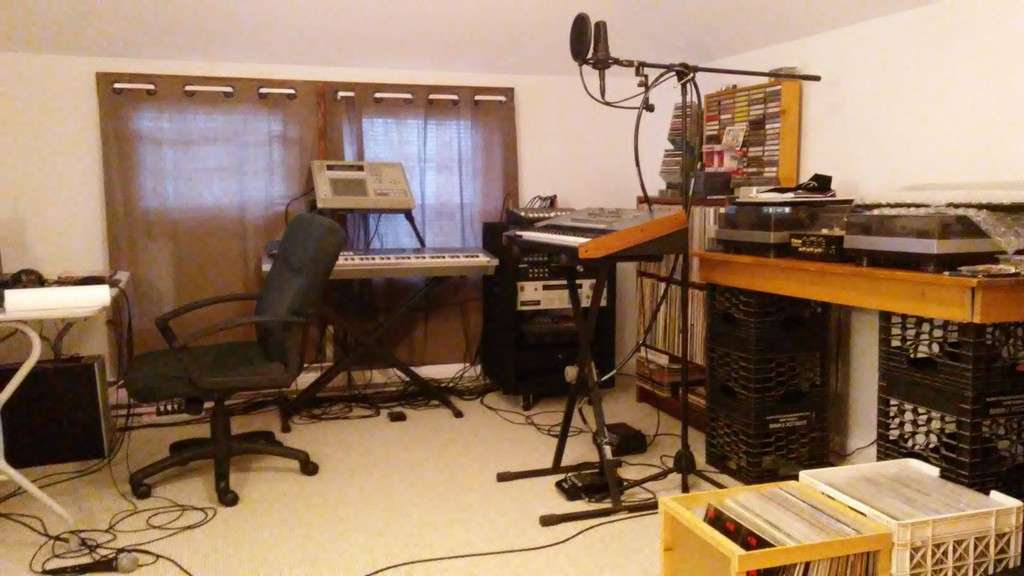
Got this issue, I'm trying to sequence 16 channels of MIDI from my Motif ES6 into the MPC 3000.
I have my Akai MPC 3000 connected to my Motif ES6 via MIDI and I believe I have all of the basic MIDI parameters set up correctly in both units.
SO any Motif ES6 users out there?
I know that the Motif must be in SONG or PATTERN mode, which is its multitimbral mode, in order to send 16 channels of MIDI to an outboard sequencer. However, I don’t know how to access the VOICE sounds in SONG or PATTERN mode.
Basically, how do I set up the 16 individual MIDI channels in SONG or PATTERN mode, with each channel sending a different sound into each track of the MPC sequencer? And just as important, how do I access the library of sounds in VOICE when in SONG or PATTERN mode?
Got this issue, I'm trying to sequence 16 channels of MIDI from my Motif ES6 into the MPC 3000.
I have my Akai MPC 3000 connected to my Motif ES6 via MIDI and I believe I have all of the basic MIDI parameters set up correctly in both units.
SO any Motif ES6 users out there?
I know that the Motif must be in SONG or PATTERN mode, which is its multitimbral mode, in order to send 16 channels of MIDI to an outboard sequencer. However, I don’t know how to access the VOICE sounds in SONG or PATTERN mode.
Basically, how do I set up the 16 individual MIDI channels in SONG or PATTERN mode, with each channel sending a different sound into each track of the MPC sequencer? And just as important, how do I access the library of sounds in VOICE when in SONG or PATTERN mode?
Xandi
Rapper, producer, rec/mix engineer
Biz: [email protected] 617-780-1252
https://linktr.ee/xandimusic
Credits: Young Hump (Digital Underground), Myka 9 (Freestyle Fellowship)
Rapper, producer, rec/mix engineer
Biz: [email protected] 617-780-1252
https://linktr.ee/xandimusic
Credits: Young Hump (Digital Underground), Myka 9 (Freestyle Fellowship)
