By JRN
Sat Jul 11, 2020 12:23 am
I just got the MPC One a couple of days ago. This is my first time using this kind of equipment.
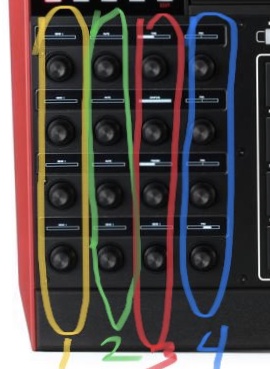
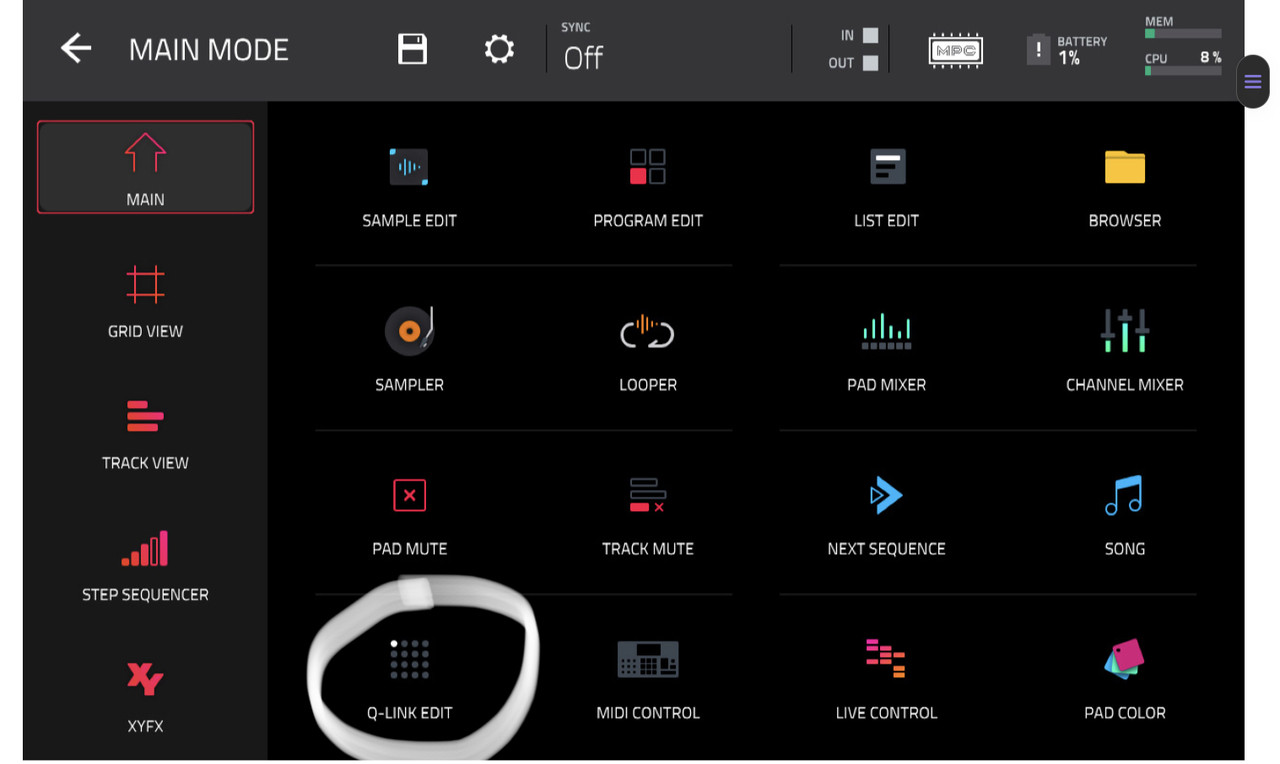
I was fiddling around with a sample, using the Q-links to move the start and end point. Then I navigated away to do something else for a minute or two. When I came back to the sample, the Q-links were suddenly adjusting only three settings.
The top knob is no longer adjusting anything. Nothing happens when I turn it. The second from the top turns mute on and off. The third down adjusts panning. The bottom knob adjusts volume.
This is true no matter which of the lights above the Q-link button is on, with one exception: if the first light is on, the bottom knob also does nothing.
I have tried a factory reset, but the problem remains. I am on firmware 2.8.0.
Anybody know what's going on here?
I was fiddling around with a sample, using the Q-links to move the start and end point. Then I navigated away to do something else for a minute or two. When I came back to the sample, the Q-links were suddenly adjusting only three settings.
The top knob is no longer adjusting anything. Nothing happens when I turn it. The second from the top turns mute on and off. The third down adjusts panning. The bottom knob adjusts volume.
This is true no matter which of the lights above the Q-link button is on, with one exception: if the first light is on, the bottom knob also does nothing.
I have tried a factory reset, but the problem remains. I am on firmware 2.8.0.
Anybody know what's going on here?