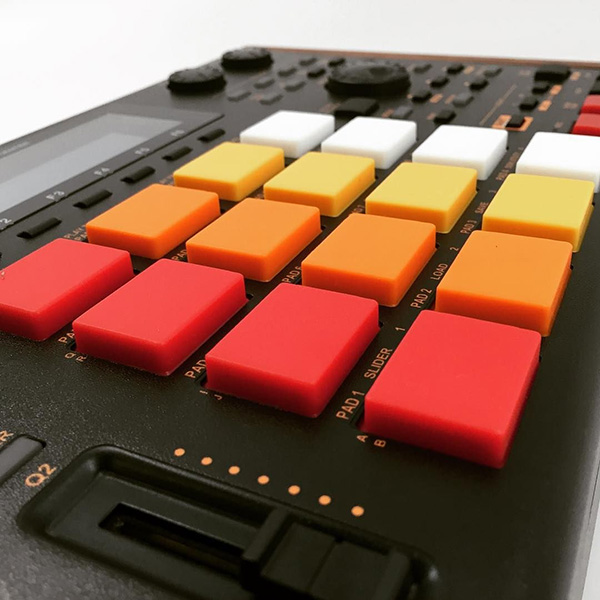
Support and discussion for all of Akai’s modern standalone MPCs including the MPC X / X SE, MPC Live 1, 2 & 3, MPC One / One+, MPC Key 37/61.
Bymember04959388 Mon Jan 08, 2018 5:34 pm
Is there a way to change the order of effects in the insert chain?
Something like moving an fx from the top to the bottom in the chain for example, so the second one moves the top and so on?
I didn't find any clue in the manual.
Thanks.
User avatar
By zangetsu01 Tue Jan 09, 2018 12:53 pm
Frisbi wrote:Is there a way to change the order of effects in the insert chain?
Something like moving an fx from the top to the bottom in the chain for example, so the second one moves the top and so on?
I didn't find any clue in the manual.
Thanks.


I don't think there is.
What I do when I'm in CM (controller mode) I just drag 1 of the 4 the plugins to another track/strip and rearange the remaining 3 by draging them and when I done I drag the first one back to the remaining slot.
Bymember04959388 Tue Jan 09, 2018 3:09 pm
Apparently in standalone mode there's no way to move an effect from its slot or am I missing something?
That's a bit crazy since it always happens when you mix that you decide to put a compressor for example but maybe you have a delay at first slot, so what you do? You put a compressor after a delay? That's a bit weird
User avatar
By pk1 Tue Jan 09, 2018 3:29 pm
In the software just grab and drag it around to what slot you want it in. Hold control and drag to copy.
Bymember04959388 Tue Jan 09, 2018 7:20 pm
Ok but what about standalone?
Any chance?
By Guilleonline Wed Jan 10, 2018 5:04 am
Actually I've been meaning to do the same thing. Sometimes changing the order yields to a 'better' result. I say 'better' because the sound will change and it is up to each user to decide what's the winning order. But not being able to change the order just leaves you wishing
Bymember04959388 Wed Jan 10, 2018 6:30 pm
Its not only that it gets a better result, it's just a basic feature of every mix to change the order of fx in the chain.
If you decide later on to put a compressor or an eq on a track, you don't put it after a delay or a reverb or whatever you had put in the beginning.
I am talking about the basics of mixing and I am really surprised that noone in akai thought about something so basic
User avatar
By bredal187 Fri Oct 12, 2018 10:10 am
Just googled this question and yet again I'm getting disappointed :-/

I mean, really...? :Sigh: :WTF: :vomit: :fku:
User avatar
By Bezo Fri Oct 12, 2018 1:16 pm
Not to intrude, but I was wondering the same about track order. Can tracks themselves be reordered?
User avatar
By Bezo Mon Oct 15, 2018 2:10 pm
kaydigi wrote:
Bezo wrote:Not to intrude, but I was wondering the same about track order. Can tracks themselves be reordered?


Only copy and pasting to the order you want unfortunately.
Yeah, that's what I ended up doing. Thanks!
By Dazzer1234567 Mon Jan 03, 2022 1:38 pm
Stupid that this isn't possible in standalone, this is the most basic thing imaginable in mixing.

There's a workaround which is to save the effect as "init", delete effect, instantiate same effect in new slot, load "init", takes around 17 seconds.

For a future update, it should be extremely easy to add "plus" & "minus" buttons so you can move effects up and down slots, they just need to automate that process i described above.