
Support and discussion for all of Akai’s modern standalone MPCs including the MPC X / X SE, MPC Live 1, 2 & 3, MPC One / One+, MPC Key 37/61.
By Fre$hBreath Sun Feb 02, 2020 7:24 pm
Image

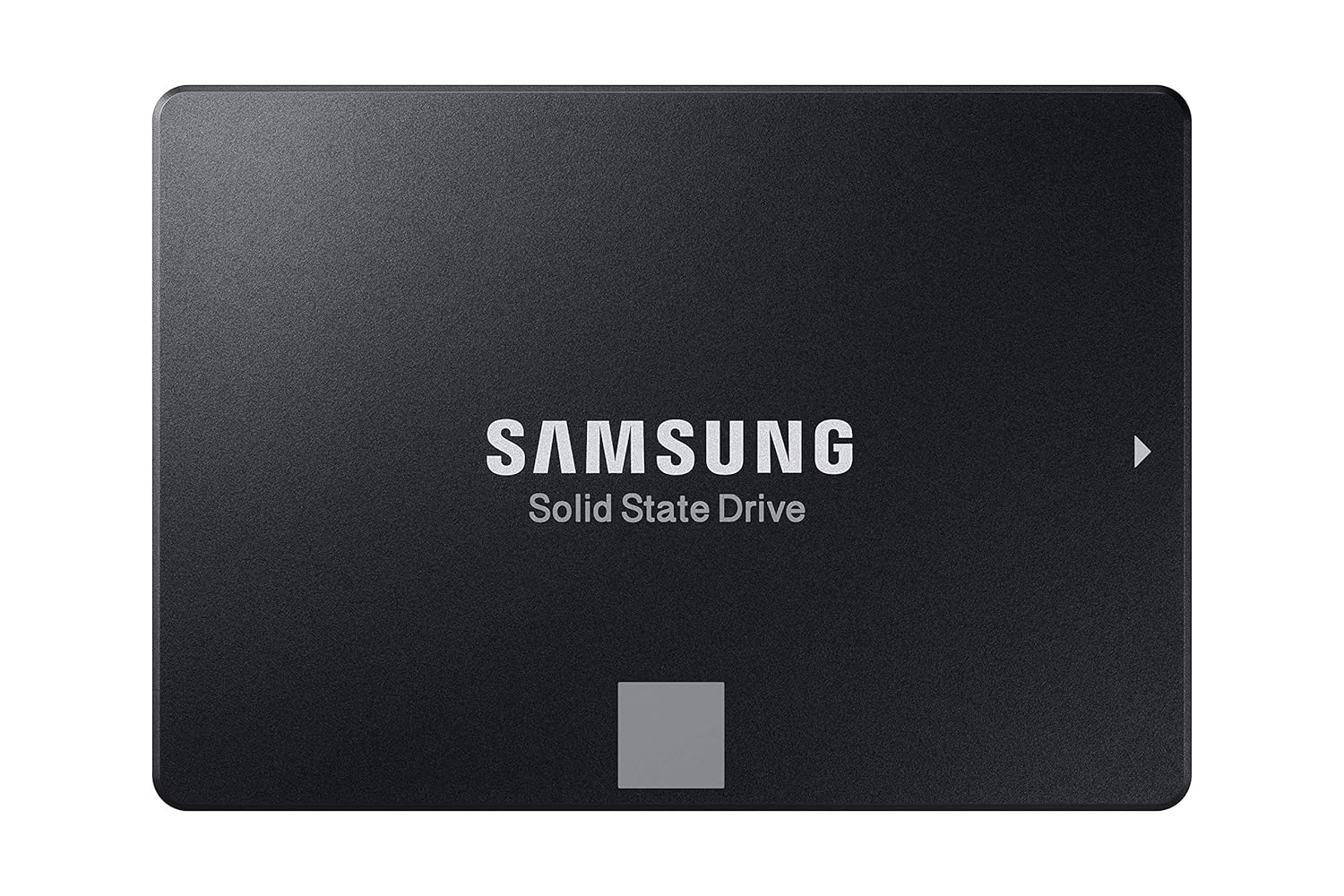
I'm thinking about ordering a 4TB Samsung SSD to install in my MPC X.

Why?

UVI Falcon 2
IK Multimedia SampleTank 4, Miroslav Philharmonik 2, and Syntronik
Native Instruments Komplete 12 Ultimate Collectors Edition
Air Music Tech Structure 2
Eastwest Composer Cloud
Output Arcade
Spectrasonics Trillian, Keyscape, & Omnisphere

and a few other libraries.

My thoughts on this is since I'm doing most of my work in controller mode, it would be a lot better to stream my libraries from a high volume SSD, but the question is can the MPC X handle 4TB?

Most people with the MPC X or Live don't seem to go further than 500GB, so I wonder if that's a technical limitation.

Does anyone know?
By CharlesRandolph Sun Feb 02, 2020 7:31 pm
What kind of computer do you have?

Fre$hBreath wrote:Image

I'm thinking about ordering a 4TB Samsung SSD to install in my MPC X.

Why?

UVI Falcon 2
IK Multimedia SampleTank 4, Miroslav Philharmonik 2, and Syntronik
Native Instruments Komplete 12 Ultimate Collectors Edition
Air Music Tech Structure 2
Eastwest Composer Cloud
Output Arcade
Spectrasonics Trillian, Keyscape, & Omnisphere

and a few other libraries.

My thoughts on this is since I'm doing most of my work in controller mode, it would be a lot better to stream my libraries from a high volume SSD, but the question is can the MPC X handle 4TB?

Most people with the MPC X or Live don't seem to go further than 500GB, so I wonder if that's a technical limitation.

Does anyone know?
User avatar
By EnochLight Sun Feb 02, 2020 11:11 pm
Fre$hBreath wrote:Most people with the MPC X or Live don't seem to go further than 500GB, so I wonder if that's a technical limitation.

Does anyone know?


I've got a 1 TB SSD in my Live; there's no technical limitation to larger drives just as long as you use the correct format. Both the Live/X use exFAT, NTFS, EXT4, HFS+ or FAT32. Just stay away from FAT32 and HFS+ and you'll be fine.
By kaydigi Mon Feb 03, 2020 2:27 am
NearTao wrote:
kaydigi wrote:But the ssd installed in your X wouldn’t help you in controller mode.


Why not? You can mount it and use data on it.


It was said that the ssd in controller or host mode is only using a Sata/usb 2 bridge, so you still don’t get the intended manufacture SSD speed,

second anytime you wanted to use the programs library you have to power on your mpc and set it to controller mode, even if you are just touching up a track etc...

Three. That’s and expenses ass controller lol.
User avatar
By EnochLight Mon Feb 03, 2020 2:37 pm
I do question the logic of doing it that way due to the USB-SATA controller speed constraints and complications that could arise from always having to treat your MPC as an external hard drive when working on projects on your computer, but if all the OP wants is 4TB of storage, it certainly will work. Just a cluttered way to go about it.
By Fre$hBreath Mon Feb 03, 2020 3:34 pm
EnochLight wrote:I do question the logic of doing it that way due to the USB-SATA controller speed constraints and complications that could arise from always having to treat your MPC as an external hard drive when working on projects on your computer, but if all the OP wants is 4TB of storage, it certainly will work. Just a cluttered way to go about it.


So you're saying it's better to use a dock for my 4TB SSD instead of installing it inside my MPC X?

By the way, I said in the initial post I will be mostly working in controller mode...
By CharlesRandolph Mon Feb 03, 2020 3:55 pm
Fre$hBreath wrote:
So you're saying it's better to use a dock for my 4TB SSD instead of installing it inside my MPC X?
By the way, I said in the initial post I will be mostly working in controller mode...


In controller mode the MPC does work at USB 3 speeds. The main issue will be as stated, powering down the MPC X. Best options is to get SSD caddy for that size drive and have it mounted directly to your computer.
Last edited by CharlesRandolph on Mon Feb 03, 2020 4:00 pm, edited 1 time in total.
By Fre$hBreath Mon Feb 03, 2020 3:56 pm
CharlesRandolph wrote:
Fre$hBreath wrote:
So you're saying it's better to use a dock for my 4TB SSD instead of installing it inside my MPC X?
By the way, I said in the initial post I will be mostly working in controller mode...


In controller mode the MPC does work at USB 3 speeds.


I guess a dock it is...
User avatar
By EnochLight Mon Feb 03, 2020 6:47 pm
Assuming you use an external enclosure via USB, any SSD can be hot swapped perfectly fine/safe just as long as you set it correctly in your OS (quick removal, usually by turning off write caching). Same settings are usually available for external SATA enclosures and docks, as well.
By Fre$hBreath Mon Feb 03, 2020 8:48 pm
CharlesRandolph wrote:
Fre$hBreath wrote:I guess a dock it is...


The 4TB SAMSUNG SSD works well, until you start hot swapping them. Are you getting the PRO, EVO or QVO drive?


What do you mean by hot swapping? I’m gonna drop it in the Dock and just leave it there. What’s the difference between the 3?
User avatar
By EnochLight Mon Feb 03, 2020 10:04 pm
Fre$hBreath wrote:What do you mean by hot swapping? I’m gonna drop it in the Dock and just leave it there. What’s the difference between the 3?


Hot swapping is when you pull a removable drive out (presumably to "swap" it with another drive) without powering down your computer. If you're going to leave yours plugged in all of the time, then no worries.

As for QVO, EVO, and PRO, this article for the 1 TB drive applies to the 4 TB as well:

https://thepcenthusiast.com/samsung-860 ... sd-review/

Basically, speed and the endurance rating or Total Bytes Written (TBW) is what separates the PRO series from the EVO and QVO.

The 4 TB QVO sells for $450 on Amazon (Sequential read and write performance levels of up to 550MB/s and 520MB/s, respectively), and has a 3-year limited warranty. MTBF isn't published (which means it's likely lower than the EVO and PRO).

The 4 TB EVO sells for $600 on Amazon (Sequential read and write performance levels of up to 550MB/s and 520MB/s, respectively), and has a 5 year warranty. MTBF is 1.5 million hours.

The 4 TB PRO sells for $930 on Amazon (Sequential read and write performance levels of up to 560MB/s and 530MB/s, respectively), and has a 5 year warranty. MTBF is 1.5 million hours.

They're all built on V-NAND tech.