Support and discussion for all of Akai’s modern standalone MPCs including the MPC X / X SE, MPC Live 1, 2 & 3, MPC One / One+, MPC Key 37/61.
User avatar
By Ultros Tue Mar 01, 2022 10:37 am
IN LIKE FLYNT

Cue the scavengers!!

This is such an easy task lol i stumbled across it string hunting, another simple find that came up big!

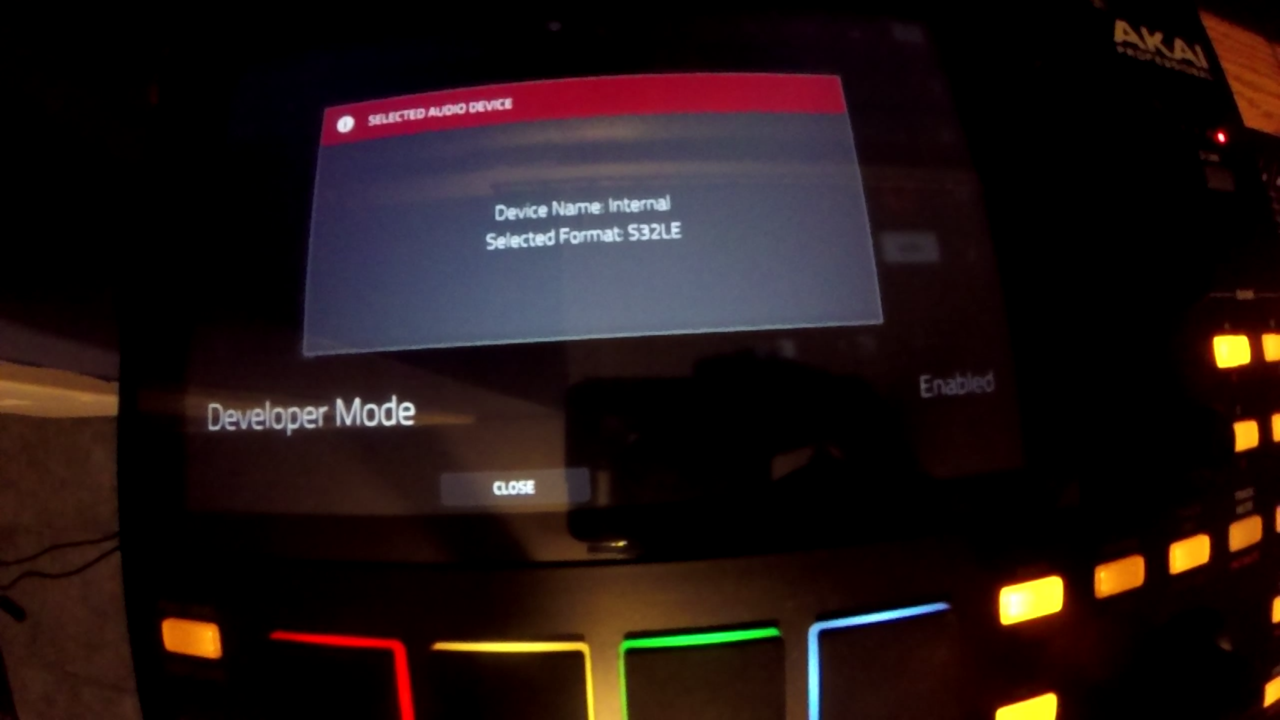
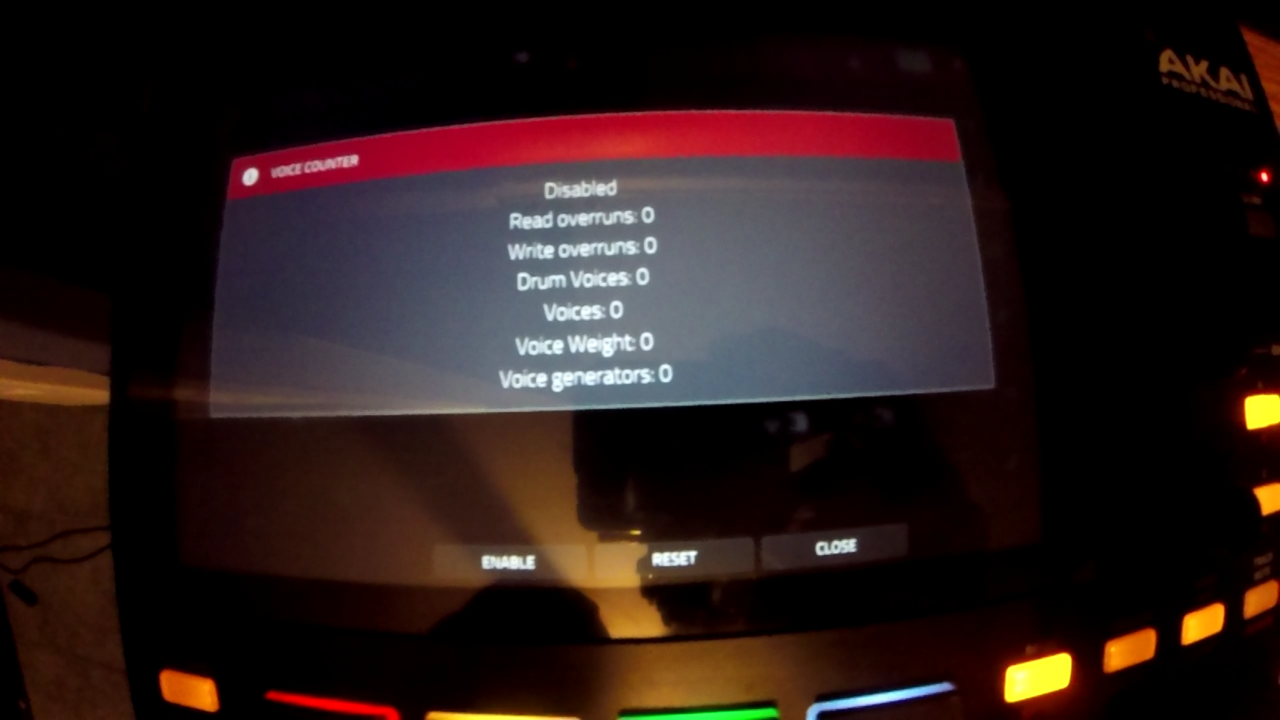
Having developer mode enabled makes SSH obsolete, in order to use it requires 2 ft232 (usb serial devices google it). Or one ft232 if your pc still has a serial port. This is the proper Akai (inMusic) method of accessing the command line interface on the device.

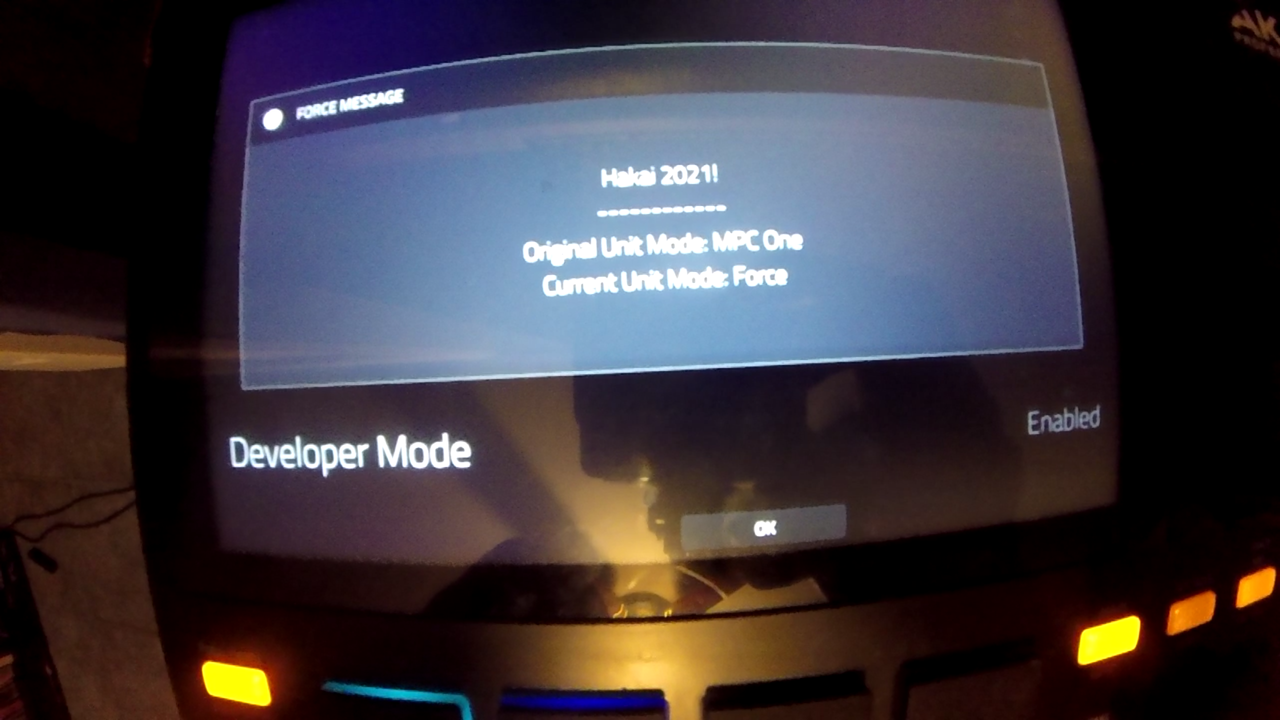
It will persist indefinitely across updates and resets as long as the file "dev-mode" exists on /media/az01-internal (or unless akai changes it in the future.) Yes, it also works with Force as well

There are probably some hidden features so if you find some leave a post of what you found. :)

How To:
In an ssh enabled firmware, or with serial uart hooked to your mainboard's uart header type this command.
Code: Select alltouch /media/az01-internal/dev-mode


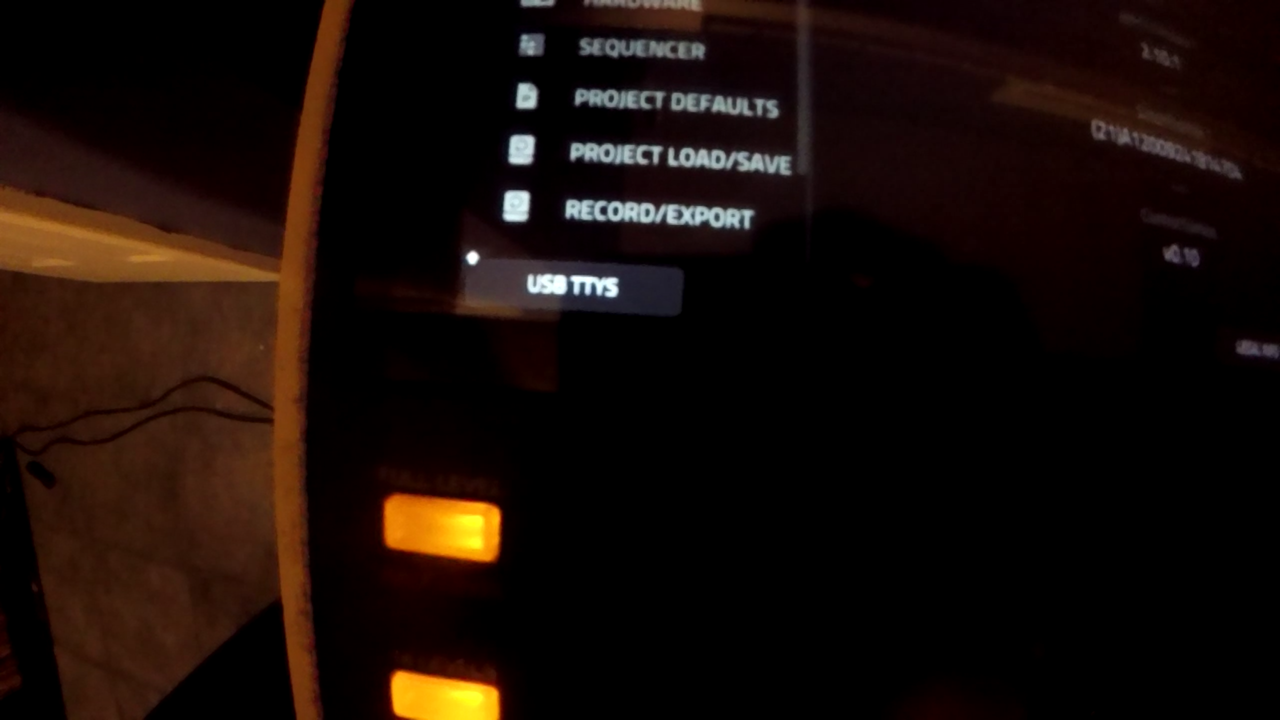
MPC Mode:
Image

Image

Image

In Force Mode:
Image

Video Link
Video
User avatar
By MPC-Tutor Tue Mar 01, 2022 3:15 pm
Could you explain how to use the ft232 in more detail? Are we talking about opening up the MPC and attaching this to the mainboard? So I have a USB ft232 connected to my Mac with a serial cable plugged into the mainboard, or is it just plugged into another USB ft232 connected to a spare USB port on the MPC?

Does this still allow all the SSH goodies, like screenshots, nodeserver etc?
User avatar
By Ultros Tue Mar 01, 2022 6:11 pm
MPC-Tutor wrote:Could you explain how to use the ft232 in more detail? Are we talking about opening up the MPC and attaching this to the mainboard? So I have a USB ft232 connected to my Mac with a serial cable plugged into the mainboard, or is it just plugged into another USB ft232 connected to a spare USB port on the MPC?

Does this still allow all the SSH goodies, like screenshots, nodeserver etc?


Those screenshots / node server components are part of mockbas cfw iirc. Nothing to do with ssh?

Plug in a usb cable to the mpc, then plug that cable into a ft232. then plug a usb cable into your pc, and plug that cable into a second ft232, then connect gnd on both boards, then rx and tx (crossed rx to tx, and tx to rx) and now you have a coms bridge without opening the unit.

Ultimately tutor, having an ft232 wired to the main board is the best solution of all, but this works ok if you dont want to open your unit up out of fear.
User avatar
By Ultros Tue Mar 01, 2022 6:49 pm
MPC-Tutor wrote:Sorry, I thought it was a way to avoid having to use a hacked firmware to run stuff like nodeserver and the screenshot script.


well, you *could* do that as well, but you'd have to have the tools on a usb card / sd or import them from somwhere and the second you do that, technically you have a custom firmware.

it's just another tty over serial. i suppose ssh is easy and probably the better option due to scp working but it's one way to get into all future firmwares the moment you install it so you can snoop around or add some utilities.
User avatar
By Ultros Tue Mar 01, 2022 7:02 pm
Found another thing: show debug info on the tty

terminate the inmusic-mpc service like so:
Code: Select allsystemctl stop inmusic-mpc


then execute MPC manually like so:
Code: Select all./usr/bin/MPC
By vwkountz Tue Mar 01, 2022 10:29 pm
If there is a way to do have the usb female function in standalone as a audio interface that would be huge. Maybe a code to that shows it’s in controller mode when in standalone. I don’t understand code, but with this great opportunity maybe it’s possible. Thank you for the info. :worthy: :worthy:
By Korzo Thu May 04, 2023 4:10 pm
Video link broken.
I guess if you are in development mode, everything could run slower than production because of logs or other stuffs.
However, good job!
By pedro_oliveira1993 Thu May 04, 2023 4:12 pm
ink1 wrote:i would just love to rewrite boot screen with my Logo.


Try DM'ing Ultros. I have seen him talk about that somewhere. There's a topic where he showed different screens. And I think he talked about that on the Timbaland MPC topic.
User avatar
By Ultros Fri May 05, 2023 12:16 am
well, dev mode is still there but the usb tty stuff seems to be missing.