Support and discussion for all of Akai’s modern standalone MPCs including the MPC X / X SE, MPC Live 1, 2 & 3, MPC One / One+, MPC Key 37/61.
By glide Mon May 09, 2022 10:01 pm
Hello

I am looking to buy a One, the 4000 wich I have is in need of repair, it had a function I used all the time called: ``loop in release``.. One could even set the number of repeats..

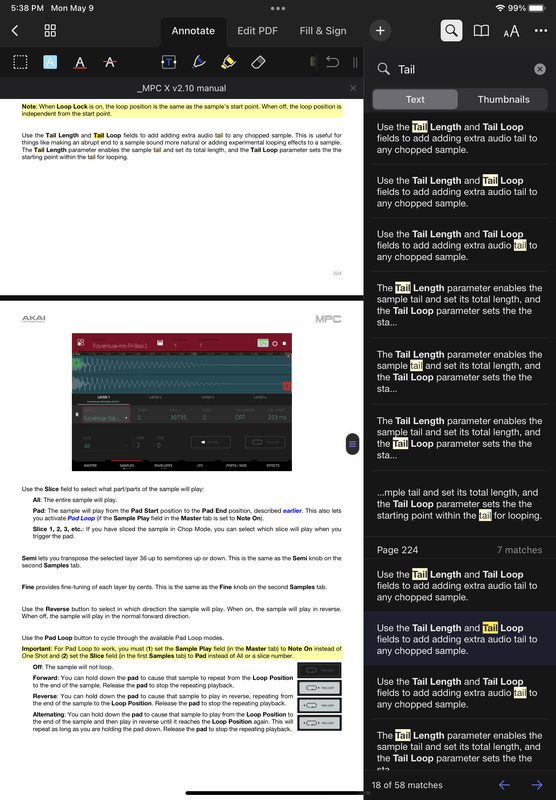
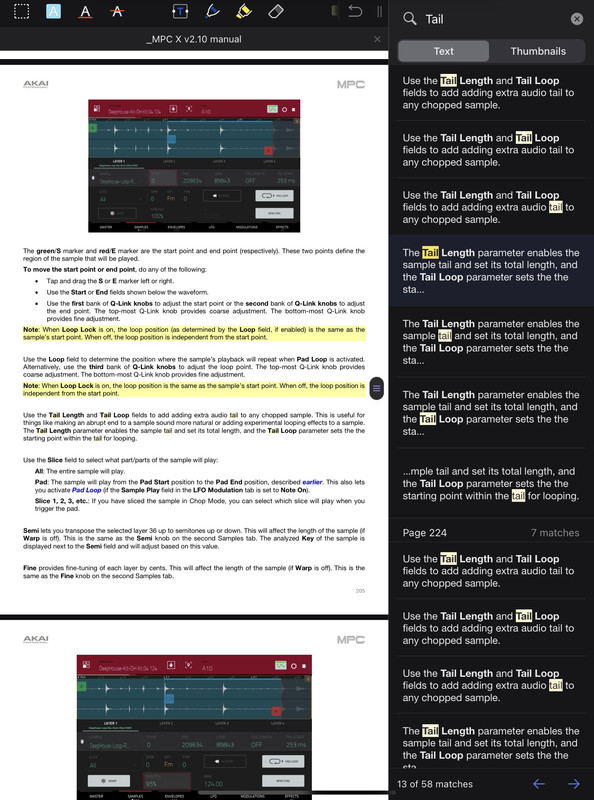
I am hoping the: sample tail can be freely adjusted and not be limited to just a millisecond window at the end of a sample(?)

So can you freely set up the loop markers of sample tail or is it limited?

By Elijah Tue May 10, 2022 7:05 am
When sample playback mode is set to Note On and enabled the Pad Loop, you can set a loop point. If you make the release envelope longer, the loop will continue even after you release your finger. In the One Shot playback mode, the Tail length parameter can be used.
User avatar
By MPC-Tutor Tue May 10, 2022 7:55 am
Looping in the current MPCs is very basic, you have three edit points; sample start point, loop start point, sample end point. Your sample will loop between the loop start point and the sample end point for as long as you hold down the pad. When you release a looped sample, the 'tail' is achieved by configuring the ADSR envelope to add a release. In a looped sample there is no way to utilise the original tail that may have been present on the original sample itself.
By glide Wed May 11, 2022 7:26 pm
Thank you for the replies.

So the tail function only works on: One shot

Needless to say its not as cool as I imagined it. Alas having two individual loops per sample: one for the sustained part and the tail for the release..

That would make for some creative play...
You can however do a similar trick with : simultaneous pad play with one pad (2nd loop settings) set to note off..

2loops per sample would be another level though.. ;)