Support and discussion for all of Akai’s modern standalone MPCs including the MPC X / X SE, MPC Live 1, 2 & 3, MPC One / One+, MPC Key 37/61.
By Orbitalgun Fri Jul 10, 2020 6:14 pm
Sorry to ruin your fun guys, the manual doesn't specify for the MPC one.

"5. USB-B Port: Use the included USB cable to connect this high-retention-MPC One USB port to an available USB
port on your computer. This connection allows MPC One to send/receive MIDI and audio data to/from the MPC
software on your computer. "
(page 28 of referenced manual)

Maybe YOU didn't rtfm.
User avatar
By Lampdog Fri Jul 10, 2020 7:52 pm
So you mean to tell me you couldn’t deduce the usb version from the shared (X, Live, One) manual, from the industry standard color of the usb ports ?
User avatar
By NearTao Fri Jul 10, 2020 8:31 pm
The Akai website clearly calls out the USB-A port as 2.0 on the MPC One. Looking at the USB-B port on the back I do not believe it is a USB 3.0 device, so my guess is USB 2.0, though it is not documented. Did you read the specs on the cable that came in the box? It should be clearly marked on the cable.
User avatar
By Lampdog Sat Jul 11, 2020 12:48 am
Orbitalgun wrote:You're so right! and ironically that is pretty funny...

Nope, I’m wrong. :WTF: :Sigh: :WTF: 3.0 has a diff form factor, look at ports on an mpc x. I wasn’t paying close enough attention.
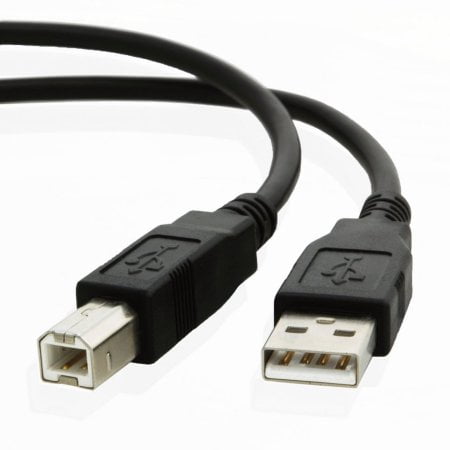
Black or White = USB 1.x or USB 2.0.

Image

Blue = USB 3.0

Image

Teal blue = USB 3.1.
Yellow, Orange or Red = high current/sleep-n-charge ports.
User avatar
By Lampdog Sat Jul 11, 2020 1:07 pm
Don’t let her see this thread, you’ll be couch surfin for a long while.