Support and discussion for all of Akai’s modern standalone MPCs including the MPC X / X SE, MPC Live 1, 2 & 3, MPC One / One+, MPC Key 37/61.
User avatar
By Bradley Smith Wed Feb 23, 2022 8:47 am
Posting this in case anyone else experiences it.

On Monday morning my MPC one wouldn’t power on. I pulled the power cord, put it back in and it got to the boot screen and hung and also the display was flickering at a very high rate. A few more power cord pulls (actually I have an inline switch) and it came to life and eventually the screen flicker went away too.

Fast forward to yesterday morning and exactly the same thing.

Long story short, I had a powered usb hub connected to the MPC. Removal of that solves everything. This morning it powered up first time, no flickering.
User avatar
By Bradley Smith Wed Feb 23, 2022 9:30 am
MPC-Tutor wrote:I've seen reports of this before on the forum, it's potentially indicating an issue with the hub rather than the MPC. Beware of cheap Amazon USB hubs basically.

Bang on!

It's the same with all this cheap stuff. You don't initially see all the issues. I have a cheap USB to MIDI DIN cable that appear to work fine, until you send clock data down it at which point instead of sending clock messages it VERY rapidly sends pairs of midi on and midi off signals which will usually cause the device at the other end to crash.

I was close to returning my MPC to Amazon before thinking to try unplugging everything and seeing what happened. Glad I did.

I wonder if a future revision of your book (excellent BTW) could include common gotchas such as this?
User avatar
By MPC-Tutor Wed Feb 23, 2022 12:11 pm
Bradley Smith wrote:I wonder if a future revision of your book (excellent BTW) could include common gotchas such as this?


I'm working on a complete overhaul with a new structure and workflows and I do intend including a number of new sections (FAQs, shortcuts, glossary etc) - 'gotchas' would be a good one as well. I'll certainly keep it in mind.
User avatar
By Ultros Thu Feb 24, 2022 12:45 am
That's called a "brown out" and its a sure fire way to kill your logic board. Stop doing it. You are taxing the machine for more power than it can provide thus not enough energy makes it to the correct locations because of the draw on the usb port. You will eventually lose the board completely if you continue to do it.
User avatar
By Lampdog Thu Feb 24, 2022 2:41 am
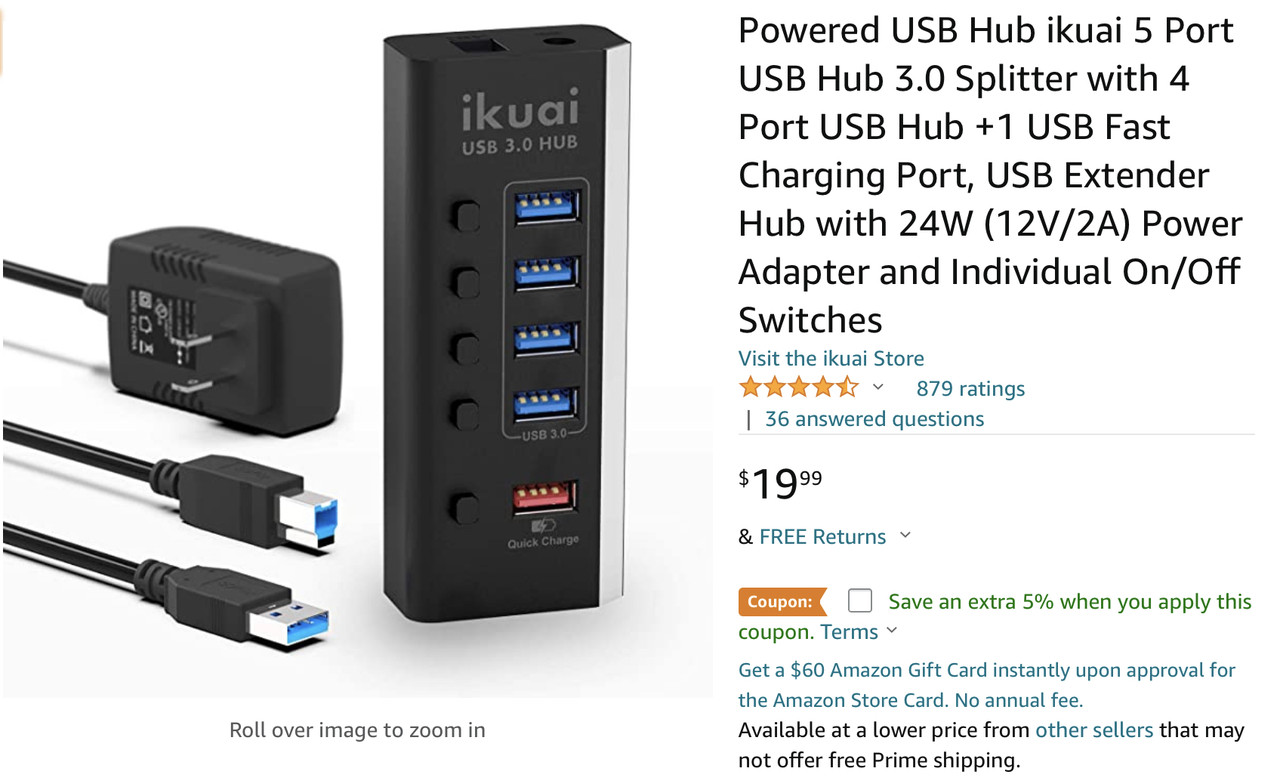
I use this one w/ mpc x. 2 kybds and emu turbo phatt (midi din to usb adapter) connected to it flawlessly.

Image
User avatar
By Bradley Smith Thu Feb 24, 2022 7:28 am
Ultros wrote:That's called a "brown out" and its a sure fire way to kill your logic board. Stop doing it. You are taxing the machine for more power than it can provide thus not enough energy makes it to the correct locations because of the draw on the usb port. You will eventually lose the board completely if you continue to do it.

I binned the device immediately. Could do with recommendations for a good brand replacement.
User avatar
By MPC-Tutor Thu Feb 24, 2022 8:29 am
Very difficult to know which brands to trust these days IMO, each brand has inconsistent reviews, many of them just seem to be re-branding of the same underlying device. I have the RSHTEC one that Akai used in their original USB MIDI video, seems to be fine, but who knows if they aren't just re-branding generic hubs whose internals change depending on which factory is making them this week.
User avatar
By Monotremata Thu Feb 24, 2022 3:46 pm
I bought the RSHTec one based on Akai's videos too. Have two of them now, one on the MPC, one on the Mac, no problems at all in the couple years I've had them. Anker's should be pretty decent too. Had one of their 7 ports hooked up to the Mac but gave it to the misses when I got the second RSH one.
User avatar
By Ultros Fri Feb 25, 2022 12:31 am
TBH its hard to know which ones will work right, some if the cheaply made self-powered hubs also "back feed", energy into the usb port. Without the use of a multimeter or inline usb voltage tester (while not plugged into the machine) it's impossible to say if its a safe hub to use. Non-powered hubs are bad, but a powered hub can be equally as bad for your unit if its construction is poor.

usb has 4 lines, power, receive, transmit, and ground. on the output cable you plug into the pc or mpc there should only be 3 hooked up receive, transmit, and ground. while the *power* shouldnt be connected

the power going to a powered hub should only go to the female ports and never the male connector but sadly with poor amazon products you can never properly know without testing it. (this is what makes a powred hub safe to use)

the use of one of an inline tester lets you inspect a usb devices power usage without having to cut it apart and its a good investment. you can use it to see how much draw individual items use as well.

so if you buy a powered hub also buy one of these as well so you can do dilligence in knowing if its construction is correct.

https://www.amazon.ca/UEETEK-Multi-fucn ... 824&sr=8-6