New to the MPC production world? Got a music production question that's not really specific to any particular MPC? Try your luck here and get help from our experienced members.
User avatar
By Lampdog Wed Jan 08, 2020 11:31 pm
peterpiper wrote:I also made a grid template for myself back then.

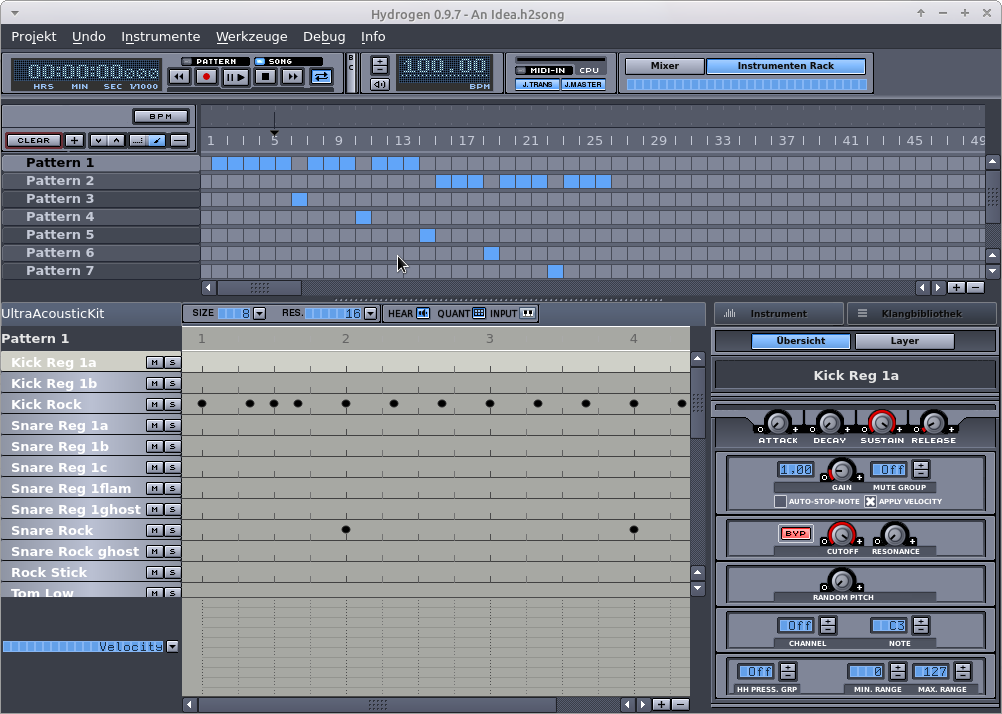
When I was super green I made grid templates on Roland R-8 back in the days. It taught me a lot just creating them. After a while, don't need em anymore, can pretty much make whatever you want without thinking too much or even visualizing it :lol:
User avatar
By Lampdog Sat Apr 09, 2022 10:37 am
I stopped keeping up with it a long while back.
Your post, my post, 2yrs, lol.
User avatar
By Lampdog Fri Apr 15, 2022 4:29 pm
Image
User avatar
By Lampdog Sat Mar 04, 2023 1:17 am
Image
User avatar
By Lampdog Tue Feb 18, 2025 7:22 am
T-Monk wrote:The best is to make your own kits from individual samples.

Search for Killer Bee’s Vault. It’s a huge sample pack floating around the web.
User avatar
By Lampdog Mon Mar 30, 2026 2:59 pm

Image

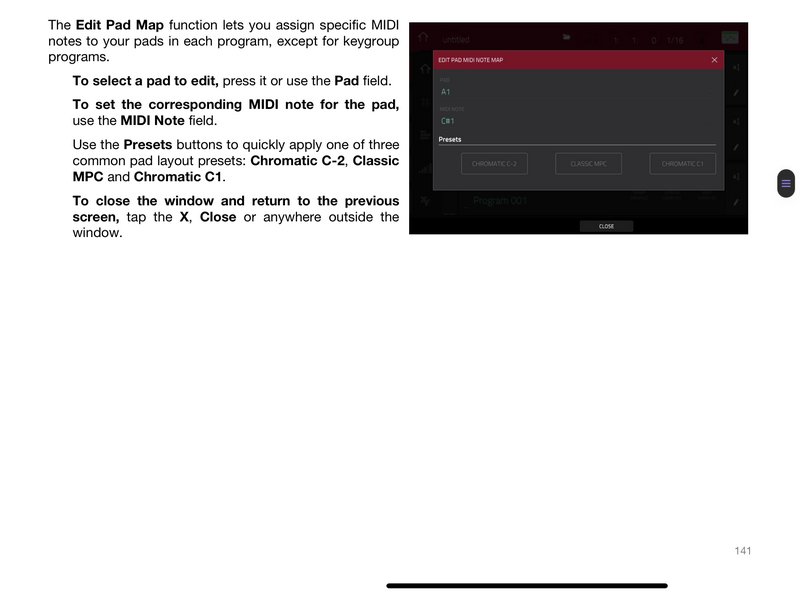
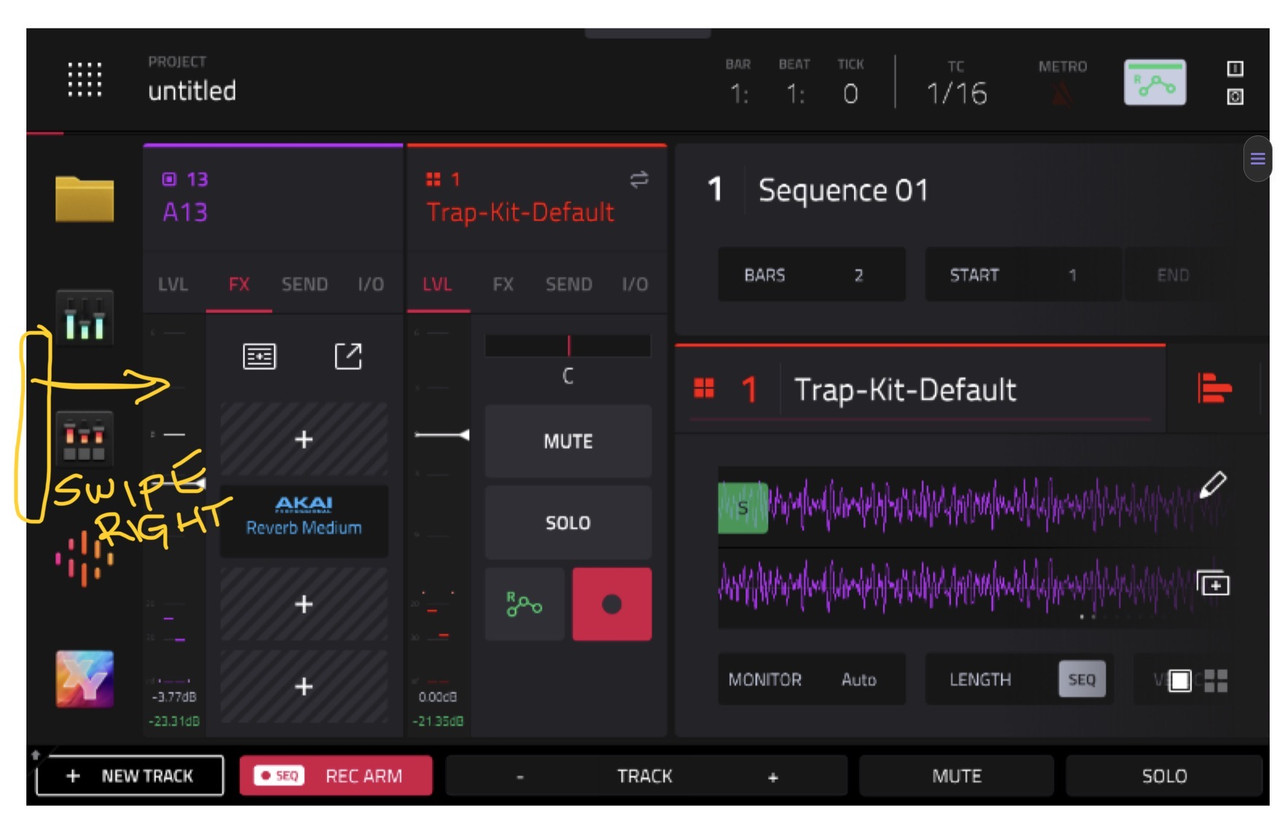
General, (scroll down almost to bottom), Show Mode Shortcut Panel.

*Show Mode Shortcut Panel: When enabled, you can access the mode shortcut panel by swiping to the right on the grey bar on the left-edge of the screen. You can use the Mode Menu layout editing to put your five most-used modes in this shortcut panel for easy access. This is disabled by default.* (the left side of the menu is now your shortcut panel)

* To rearrange the menu layout, tap and drag a mode icon to the desired location. All other mode icons will shift to accommodate the new positioning. The five modes on the left side are also available to access in most screens by swiping the black touch handle to the right from the left edge of the touchscreen. Tap the three-dots icon next to the Sync setting and then tap Reset Mode Menu to revert all layout changes*
User avatar
By Lampdog Mon Mar 30, 2026 3:11 pm
Swipe down from the top, also notice the arrow on the right, it’s the 2nd page.

Image