New to the MPC production world? Got a music production question that's not really specific to any particular MPC? Try your luck here and get help from our experienced members.
User avatar
By Sam Hardy Sat Aug 16, 2025 9:17 am
Hey Everyone,

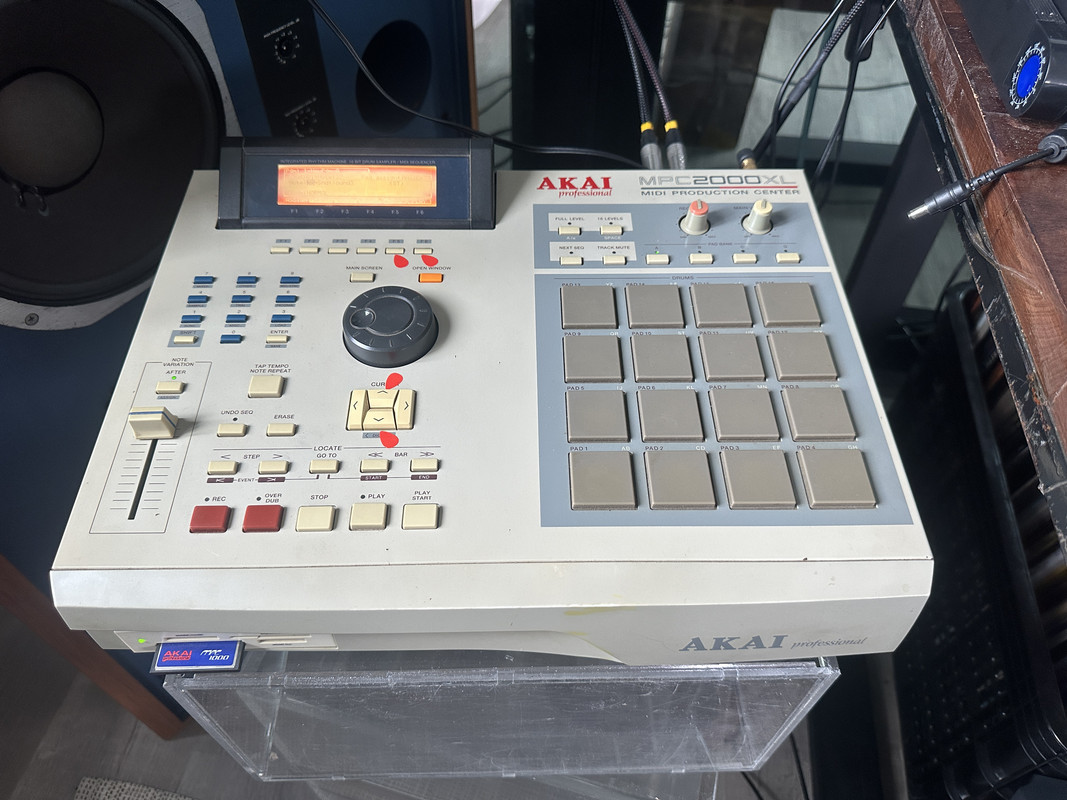
I have an AKAI MPC 2000XL and I am trying to figure out how to assign a sample to a pad.

I have an AKAI MPC 1000 Compact flash inserted I am not sure if that makes a difference.

I have tried watching 3 youtube tutorials so far but none of them appear to work.

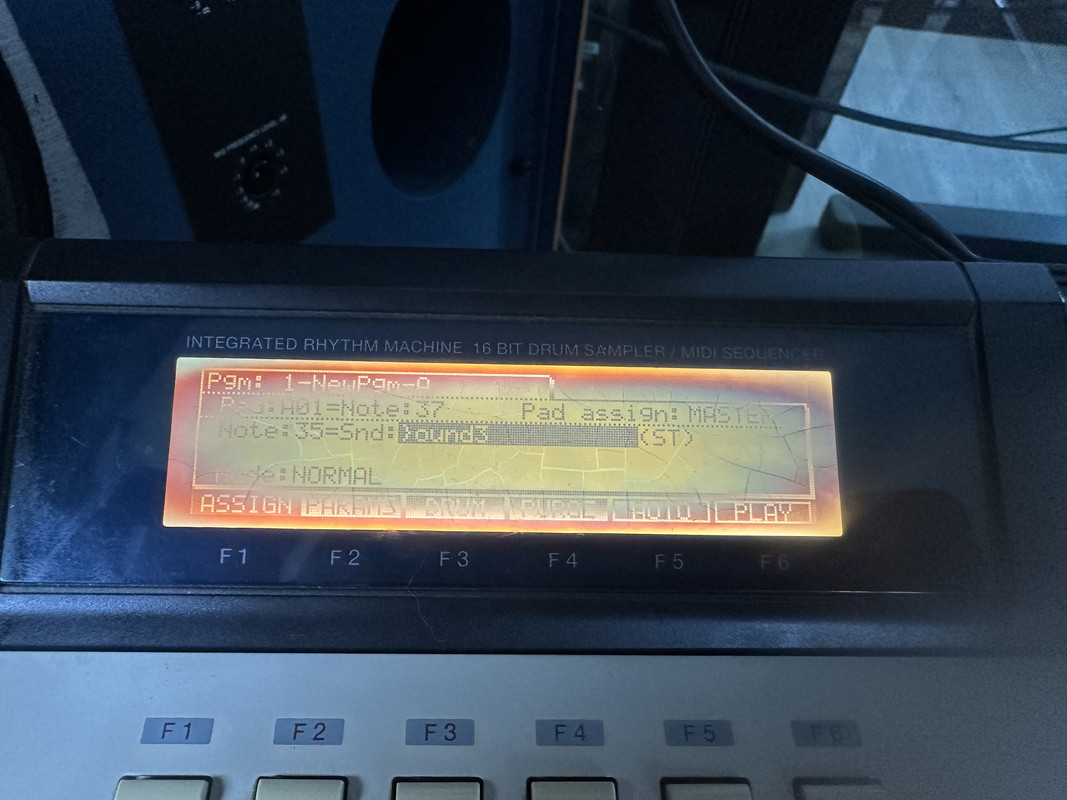
The one which I feel got closest is the one below. My screen looks exactly the same as his, however when I actually hit the pad as he does at 2:15 with the sample selected, nothing happens. https://www.youtube.com/watch?v=FJOHEL2uyJU?list=PL-qLVHSrzdihs-PuHgAEODDaM6VuN1Fbo&t=135

My input is recording properly because when I hit "Play" (top right) the sample plays fine.

Here is a photo of my screen: Image
Here are my troubleshooting theories:

• Perhaps its something minor and basic he forgot to say to press before pressing a pad?
• Is it the pads not working?
User avatar
By richie Mon Aug 18, 2025 2:23 am
It's done the same as your MPC 1000.

My hunch tells me the issue is that your filenames are too long for the 2000XL to handle.
User avatar
By Sam Hardy Tue Aug 19, 2025 9:08 am
Thanks a lot for the reply Richie... I tried a new filename (just changing one character from the default) and still no luck. Just to clarify I do not have an MPC 1000 but an MPC 1000 Compact flash inserted. I don't know if that would make a difference?

Do you think it might need the transistors underneath the pads replacing?
User avatar
By Sam Hardy Wed Aug 20, 2025 7:31 am
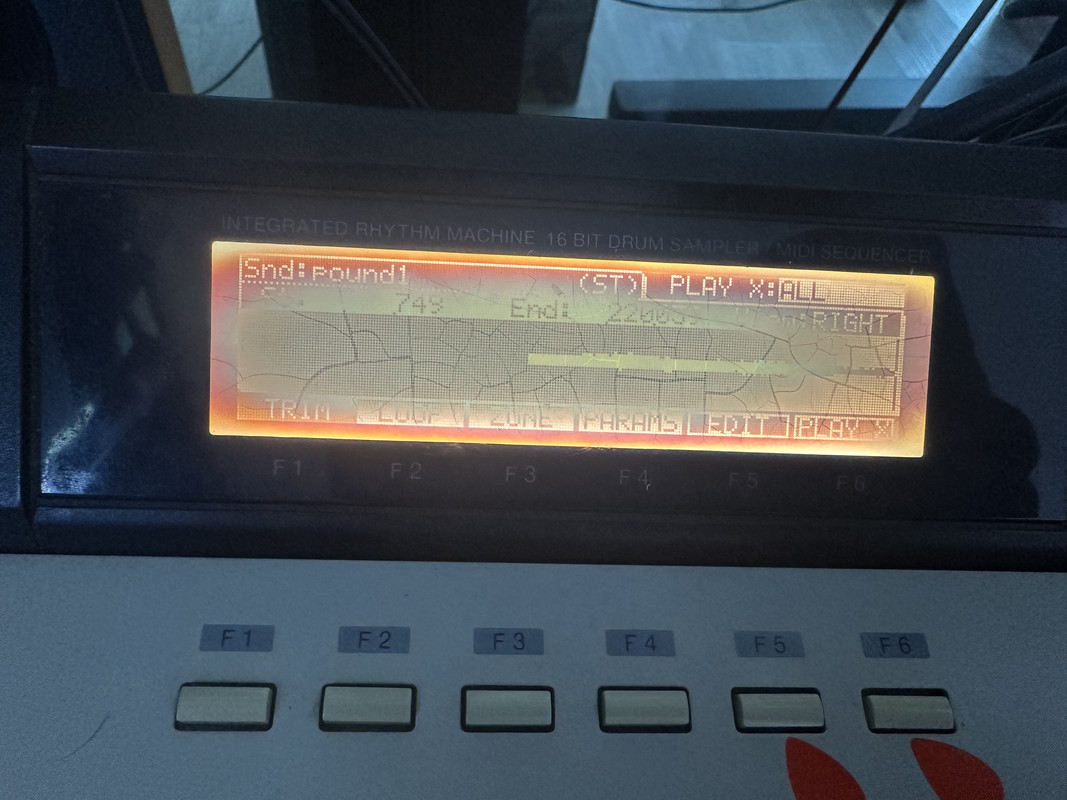
So, it does play a sound back after I finish making the sample when I press play, but, on the trim screen, pressing "PLAY X" does nothing.
Image

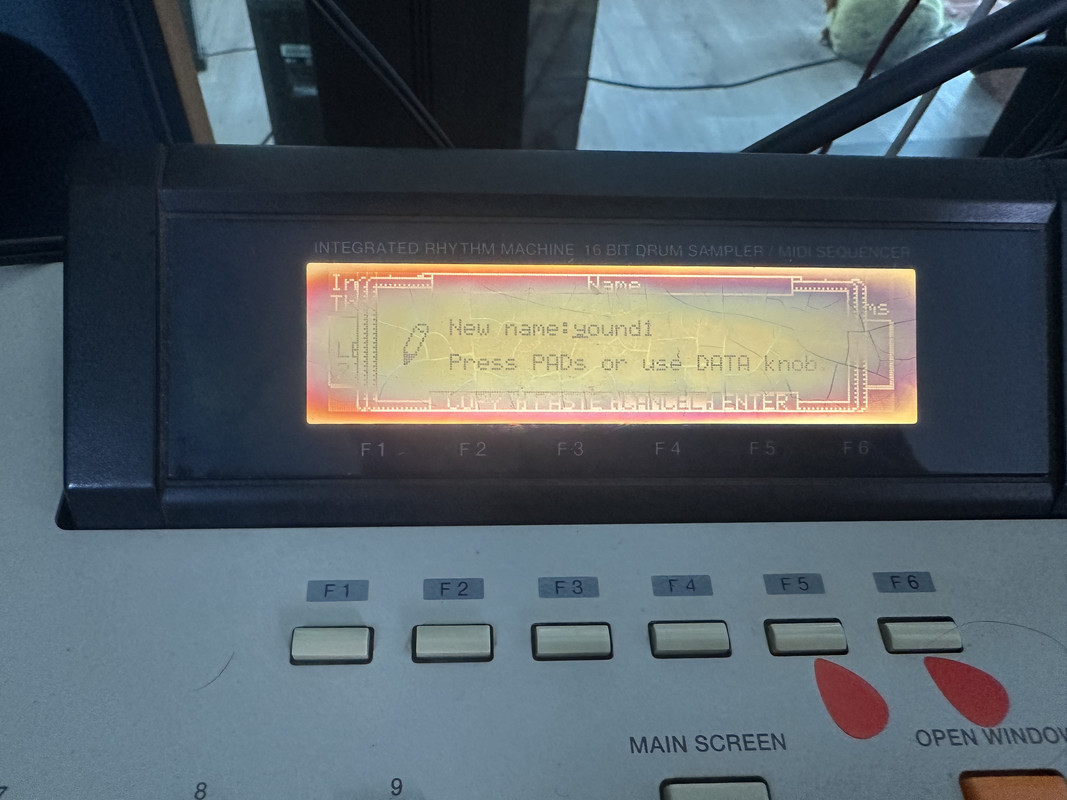
Additionally, when on the screen where it says "Press Pad" - pressing a pad does nothing.
Image

I am leaning towards the fact that the machine may be faulty, what do you guys think? Or am I pressing a wrong button/ incorrect setting?

Thanks for the help!
User avatar
By richie Wed Aug 20, 2025 7:47 am
Use the scroll wheel to choose a newname, then press enter, see if it takes the file then.
User avatar
By Sam Hardy Wed Aug 20, 2025 10:34 am
Thanks both for the reply.

• I have tried several times with different names, it still gives the same outcome.

• Just to clarify, the pads are not responding on either instance.

The main point of me posting here was to make sure I am not doing anything wrong "technically" before sending it for repairs.

There is no Akai specialist in my country but I know someone who can replace the bits underneath the pads.

Would you suggest it is a good idea to do that?
User avatar
By mr_debauch Wed Aug 20, 2025 7:57 pm
well it could be that you need to replace the pad sensor sheet... however, before that I suggest maybe trying to reseat the connector... maybe over time or through vibration it wiggled loose. it might be possible.

also, before anything i suggest going into the test mode which will let you know exactly which things are and are not working.

https://www.mpc2000xl.com/secret.htm
User avatar
By Sam Hardy Thu Aug 21, 2025 6:53 am
Aaah that link is super useful! It confirms that the pads are not working. Ok, so a repair/replacement connector might be a good first step. Is that a generic connector do you know? Or would I need to order a specialist part?

Thanks!
User avatar
By mr_debauch Thu Aug 21, 2025 8:31 pm
Sam Hardy wrote:Aaah that link is super useful! It confirms that the pads are not working. Ok, so a repair/replacement connector might be a good first step. Is that a generic connector do you know? Or would I need to order a specialist part?

Thanks!


well the pad sensor sheet which is right under the rubber pads you are pressing.. it connects to a board with a ribbon style connector. sometimes people modify that connection during DIY repair jobs, but it also can come unseated... or the ribbon can become brittle and crack. I always suggest undoing the connector and putting it back to make sure it has good contact.

I suggest also going on youtube and typing 2000xl replacing sensor sheet. There are videos showing how to do it and what to expect. It is not hard to do in my opinion.