By andy milo
Mon Apr 06, 2026 1:55 pm
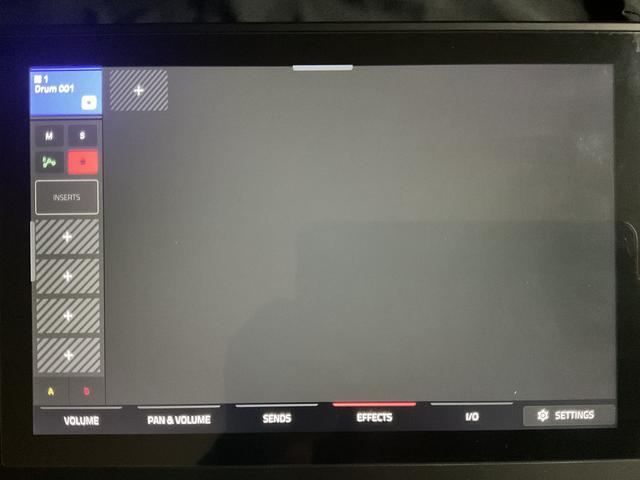
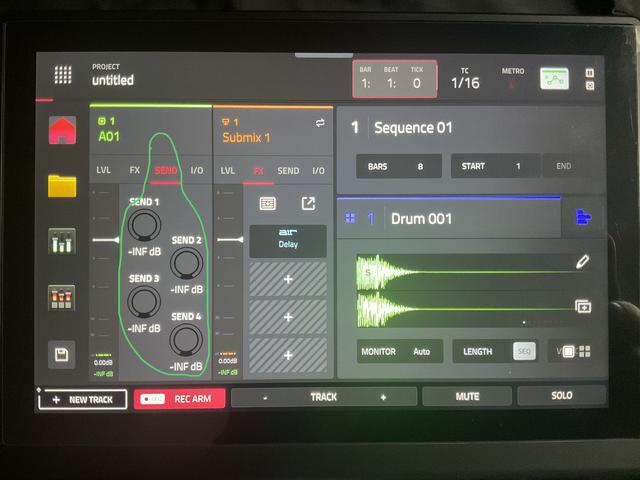
hey folks, I'm stuck with mundane time consuming way to apply fx on my pads one by one trying to remember whole setup of each effect and this is killing me. lets say I sampled few chops and played out them on 4 pads . now how in heaven and where I can select these pads after choosing and editing my fx so I can apply my fx setting to these 4 pads only? I tried go into effects and "apply" to 'all ... doesn't work, only work on one pad. tried to edit pad group and select multiple - still the same - only one pad has the fx on, Im relatively new to mpc and I have researched net for solution for two weeks now. nothing, some old vids that shows stuff on an old soft that doesn't look like mine ( i have 3.5 ) Please tell me what's the trick? I getting so bored to designing the FX for one pad and repeating this process on next one- Im sure there MUST be a way of sending my FX set to more than one ( few of my choice ) pads? Thank you .