
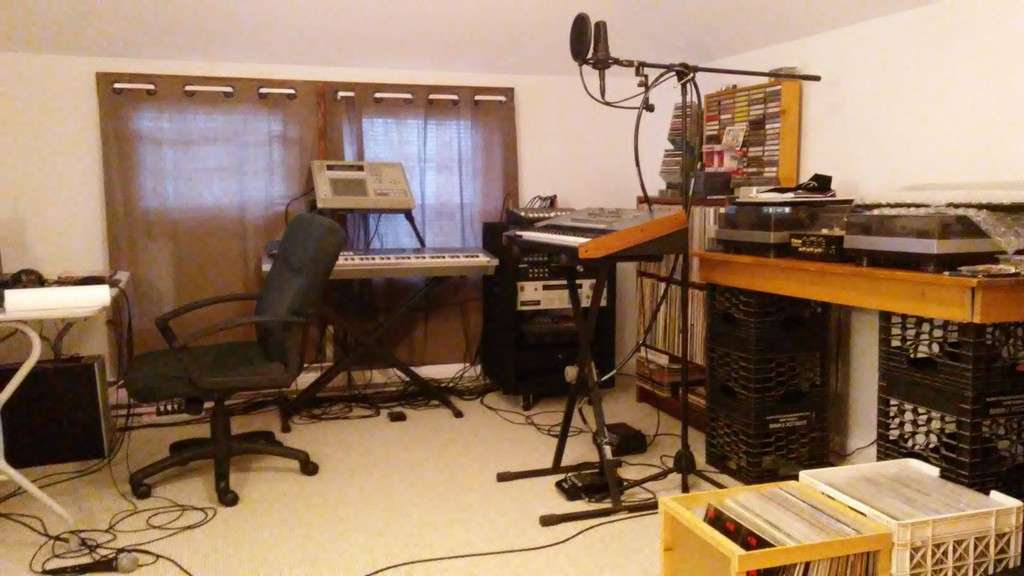
Discuss the various methods you use in music production, from compressor settings to equipment type.
User avatar
By Xandre Sun Sep 16, 2012 8:50 pm
Hey, I need help with my work style...

I would like to play my VST instruments as MIDI data from my controller keyboard into my MPC (do all my sequencing in the MPC) and then spit that out into my DAW (Cubase 5). (I just prefer working with the MPC rather than my DAW when it comes to sequencing these VST instruments).

Is this possible? If so, could you please provide details about the proper MIDI connections between the MPC and my audio interface and settings in my DAW?
Last edited by Xandre on Mon Sep 17, 2012 5:07 pm, edited 1 time in total.

User avatar
By dabmeister Mon Sep 17, 2012 7:14 pm
I'm sensing you're looking to use the mpc as a controller to trigger vsti's? The way you're discribing will take a bit of understanding how you want & have things (midi) routed.
User avatar
By dabmeister Mon Sep 17, 2012 10:06 pm
Xandre wrote:Thanks but nope, I'm actually trying to trigger the VSTs with a controller keyboard, and play those parts on the keyboard into the MPC sequencer.


Gotcha. Cubase is the host, mpc is the recording sequencer. The first scenario would be where you'll route through the mpc first from the controller, then out to cubase.

Second scenario...if you have a multi-port midi interface, use that to do some dual channel routing between cubase and the mpc.

Me personally, I got tired of dealing with daisy chaining all my gear and just went with a 8x8 midi interface. This made these type of configs more easy to deal with.
User avatar
By Xandre Tue Sep 25, 2012 2:21 am
I figured out how to do it!

First, your controller keyboard MIDI OUT should be connected to your MPC MIDI IN.

Second, MPC MIDI OUT A goes into your audio interface MIDI IN.

Then, in your DAW, you create an Instrument Track and select/insert your VST. In some DAWs, you have to set the MIDI input of this track to your audio interface's Ch. 1, and the output to the VSTs Ch. 1.

Finally, you must "arm" the track for recording.

That's it!

Play the controller keyboard, and you will hear the VST sounds. Remember to set your MPC to MIDI in the MAIN SCREEN and select MIDI channel 1A & 1A.
User avatar
By peeping tom Tue Sep 25, 2012 2:28 am
Xandre wrote:I figured out how to do it!

First, your controller keyboard MIDI OUT should be connected to your MPC MIDI IN.

Second, MPC MIDI OUT A goes into your audio interface MIDI IN.

Then, in your DAW, you create an Instrument Track and select/insert your VST. In some DAWs, you have to set the MIDI input of this track to your audio interface's Ch. 1, and the output to the VSTs Ch. 1.

Finally, you must "arm" the track for recording.

That's it!

Play the controller keyboard, and you will hear the VST sounds. Remember to set your MPC to MIDI in the MAIN SCREEN and select MIDI channel 1A & 1A.


the arming bit is what always turned me off this, also, in the end, it was always easier to track out my audio from the mpc (drums etc) then just program midi in the DAW......
