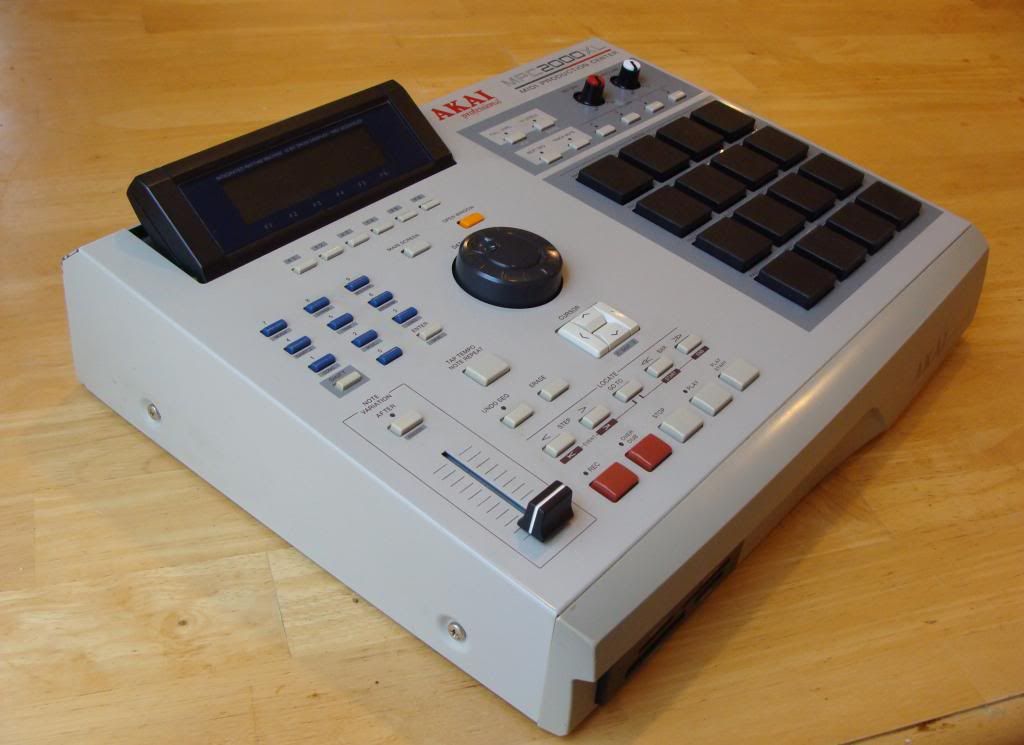
Technical questions for the MPC2000xl and the MPC2000
By mattian Wed Dec 05, 2012 8:32 pm
Hello

Is it possible to change the length of the count in?
Now is one bar, I'd like it to be at least two bar, otherwise I don't have enough time to reach the keyboard :-/

Thanks!
User avatar
By Lampdog Wed Dec 05, 2012 9:39 pm
Or you can add a blank bar into the start of your song.
By mattian Fri Dec 07, 2012 4:06 pm
I hit open window and it tells me if I want it to play in recording, in playback, if I want the count to be in, the measure, if I want to use a sample and the output....

I don't see the length

And, the problem is not in song mode, is while I'm recording the pattern...

Thanks
By m56p87 Fri Dec 07, 2012 4:18 pm
Lampdog wrote:Or you can add a blank bar into the start of your song.


Yeah there is no option to modify the count in length, this^ is your solution.
By mattian Sun Dec 09, 2012 11:40 pm
Maybe I haven't explained myself... I don't need the song mode, I never use the song mode.

I need more bars before the MPC starts recording
The MPC doesn't record in song mode
That's why adding two bars there is useless

Have I misinterpreted your suggestion or something?

Thanks
User avatar
By peterpiper Mon Dec 10, 2012 12:38 am
I dont understand where the problem is. You can record whenever you want. If you need more time to reach the keyboard, just wait till the sequence start again.
peace
By mattian Mon Dec 10, 2012 12:59 am
I just feel more comfortable having more time before recording, otherwise I get too much used to the loop
User avatar
By *Pilchard* Mon Dec 10, 2012 10:44 am
MIDI footswitch?

Page 185 in the manual.

I know nothing about how these work or where to find them but it seems it could allow you to start your recording while already at the keyboard.

Just a thought

Image


One other thing....
As you can't adjust the length of the count in, how about setting it so the count in doesn't start until you press a key on the keyboard (or a pad).
Set [Wait for key] to ON

Image

All documented in the manual.
By m56p87 Mon Dec 10, 2012 4:55 pm
^whats up with that metronome screen? Is that the XL? It's missing like half the features I have for count on my classic.
User avatar
By tapedeck Mon Dec 10, 2012 5:07 pm
m56p87 wrote:^whats up with that metronome screen? Is that the XL? It's missing like half the features I have for count on my classic.

spill it - like what? curious as i dont have a classic.
User avatar
By *Pilchard* Mon Dec 10, 2012 5:47 pm
m56p87 wrote:^whats up with that metronome screen? Is that the XL? It's missing like half the features I have for count on my classic.


Yeah you are right but. The XL has an extra button (f button) called *sound* with which you can access the other functions.

Pressing f5 [sound] gives you this screen...

Image


Then changing the SOUND field to DRUM gives you this...

Image

There you can select any two drum sounds instead of the click to be the metronome.
By m56p87 Mon Dec 10, 2012 6:46 pm
Oh word, I've never needed to mess with count settings until recently so I've never messed that on the XL. The ability to change the click sound to a sample is dope, I would go hihat on it everytime!
By mattian Tue Dec 11, 2012 5:58 am
WOW the "wait for key" workaround is great... I never considered it!
Thank you!

The midi footswitch would be cool but I haven't free midi ports