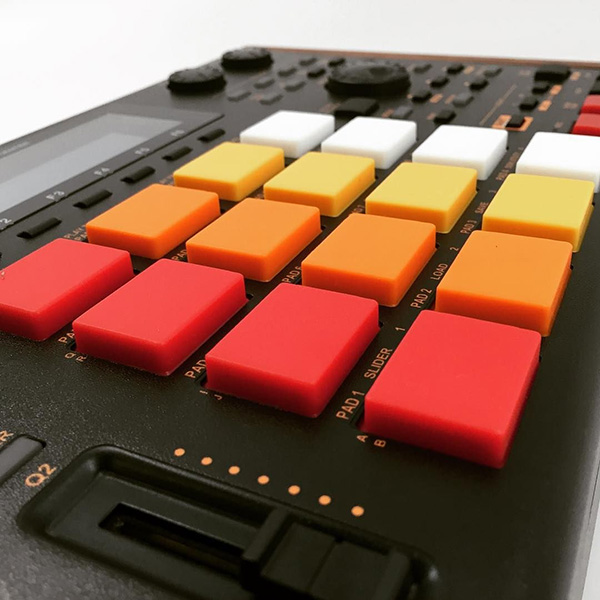
Forum to discuss all matters relating to the MPC1000 and MPC2500 operating systems created by 'JJ' (all versions).
By joeybanana Wed Feb 06, 2013 1:26 pm
Hi guys i installed JJOS XL and when i try to acces the internal memory for the stack kits then it shows an empty window. the internal memory is not accessable anymore.

When i downgrade to JJOS Free Version 3.10 then the internal memory appears again including the stack soundskits.

i upgrade again to JJ OS XL and it dissapears. System reset was not helping.


any ideas?
User avatar
By bredal187 Thu Feb 07, 2013 6:11 pm
Internal memory is not the same as internal harddrive... i made the same mistake and discovered i dint even have an internal drive :-D
User avatar
By Metatron72 Thu Feb 07, 2013 11:36 pm
joeybanana wrote:thank you all so i accept the loss of the stack sounds for the benefits of JJOS XL i guess?!


I don't use autoload. But I think you can still make an autoload folder in JJOS XL to achieve largely the same result.
By dnoria Fri Feb 08, 2013 5:36 am
Metatron72 wrote:
joeybanana wrote:thank you all so i accept the loss of the stack sounds for the benefits of JJOS XL i guess?!


I don't use autoload. But I think you can still make an autoload folder in JJOS XL to achieve largely the same result.


+1 this is what I do. I have a folder on my HD thats full of drums set to autoload. You set which folder you want to autoload in the save/load screen. I'm not in front of my mpc, so I can't remember the exact steps but it's mos def in there and pretty easy to setup.
User avatar
By Tag One The Fader Fiend Sat Feb 09, 2013 8:49 pm
Taken from the JJOS2XL Manual

Image
If F4 (A. LOAD) button is pushed in the mode of LOAD, the window of "Auto Load" will open.

Image
Please select a device.

Image
Please move cursor to Folder1 and choose the folder which wants to carry out an auto load.

Image
A setup will be completed if F5(ENTER) button is pressed.

Image
Note: The auto load of the two arbitrary folders can be carried out.