Support and discussion for all of Akai’s modern standalone MPCs including the MPC X / X SE, MPC Live 1, 2 & 3, MPC One / One+, MPC Key 37/61.
By Lyricalgenius81 Tue Jan 02, 2018 12:26 pm
Hi all,

Happy new year I hope this year brings you all productivity in your mpc projects !

Thought I might ask to pick your brains for some opinions.

I’m building a new p.c rig which will primarily be for my DAW mpc 2.0. It’s a i5 8600k with 16gb Ram and ssd hard drives.

I have a E-MU 4 in 4 out soundcard which is getting on in terms of age but specs wise I still think it’s good.
http://www.creative.com/emu/products/pr ... ?pid=20022

Question I have is will this card be of benefit in the p.c or what? If I use it will I need to hook up the midi keyboard to it or can I use the midi keyboard through the mpc X?
Currently when I put mpc x in controller mode I can’t seem to get the usb midi keyboard which plugs into the mpc x to work from the mpc 2.0 software installed on the pc. When I use a plug in on mpc 2.0 (vst) the midi input is set to A in 1 and this assigns the mpc x’ pads but I’ve tried switching to midi input 2 and keyboard doesn’t work. Any ideas?

Cheers
User avatar
By richie Tue Jan 02, 2018 1:18 pm
The fact it's a PCIE interface is an advantage. The latency levels you will get with that 0404 will eclipse anything a usb soundcard interface can handle.

The thing is, I'm not sure if it is much of an advantage (separate debate all together) to the MPC X as the X can function without a soundcard as it has it's "own" so to speak.

What happens when you use the midi input on the 0404 though?
User avatar
By Danoc Tue Jan 02, 2018 7:39 pm
When you are in controller mode the midi keyboard should be connected to your computer not the X. When you come out of controller mode you can then connect your midi keyboard to the X.

The reason you can't use your midi keyboard in controller mode connected to the X is because while in controller mode your computer is only recognizing the functions of the along with its drivers. The keyboard is not a part of that system at that moment.

Lyricalgenius81 wrote:Currently when I put mpc x in controller mode I can’t seem to get the usb midi keyboard which plugs into the mpc x to work from the mpc 2.0 software installed on the pc. When I use a plug in on mpc 2.0 (vst) the midi input is set to A in 1 and this assigns the mpc x’ pads but I’ve tried switching to midi input 2 and keyboard doesn’t work. Any ideas?

Cheers
By Lyricalgenius81 Wed Jan 03, 2018 9:56 am
richie wrote:The fact it's a PCIE interface is an advantage. The latency levels you will get with that 0404 will eclipse anything a usb soundcard interface can handle.

The thing is, I'm not sure if it is much of an advantage (separate debate all together) to the MPC X as the X can function without a soundcard as it has it's "own" so to speak.

What happens when you use the midi input on the 0404 though?


Thanks for your reply Richie I havnt tried using the E-MU card yet I’m not sure if I have any midi leads (maybe I’ll go look in the loft I might have one :lol: )

Good to know about the latency my mate has a home studio with the same card and he tells me it’s decent.
By Lyricalgenius81 Wed Jan 03, 2018 10:00 am
Danoc wrote:When you are in controller mode the midi keyboard should be connected to your computer not the X. When you come out of controller mode you can then connect your midi keyboard to the X.

The reason you can't use your midi keyboard in controller mode connected to the X is because while in controller mode your computer is only recognizing the functions of the along with its drivers. The keyboard is not a part of that system at that moment.

Lyricalgenius81 wrote:Currently when I put mpc x in controller mode I can’t seem to get the usb midi keyboard which plugs into the mpc x to work from the mpc 2.0 software installed on the pc. When I use a plug in on mpc 2.0 (vst) the midi input is set to A in 1 and this assigns the mpc x’ pads but I’ve tried switching to midi input 2 and keyboard doesn’t work. Any ideas?

Cheers


Thanks Danoc that makes sense and very helpful. Looks like I will need the trusty E-MU card then! My p.c parts should arrive tomorrow looking forward to getting this up and running now!

Currently my keyboard is plugged in with usb to mpc x so I’ll connect it to the midi input on the card and see how I get on. Will it then mean I can’t play vst instruments through the mpc pads? I’m guessing when I change the midi input to match the keyboard the mpc pads will no longer function?
By Lyricalgenius81 Fri Jan 05, 2018 9:59 pm
I made a mistake the old emu card that I have is not pcie but old pci so its no good for my new setup as the motherboard only has pcie.

currently I'm looking at audio interfaces and I'm a bit confused about the lack of midi on the Apollo twin by UA. If Danoc is correct with his statement above that the midi keyboard cannot operate through the mpc x while its in controller mode then how would I use midi if I purchase the Apollo Twin? would I need another device to run the midi into seems a bit excessive. I was looking at the Akai EIE pro which is a lot less money and does include midi. Anyone got any advice with this?
User avatar
By Lampdog Fri Jan 05, 2018 10:50 pm
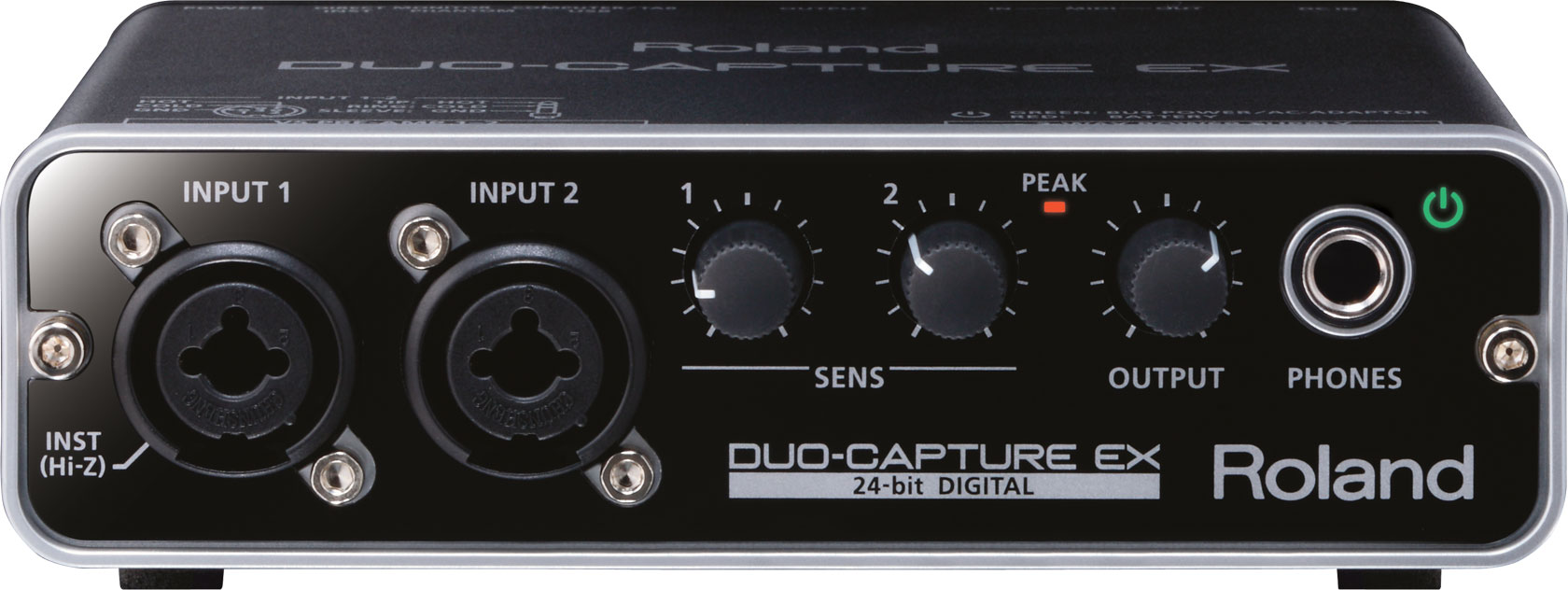
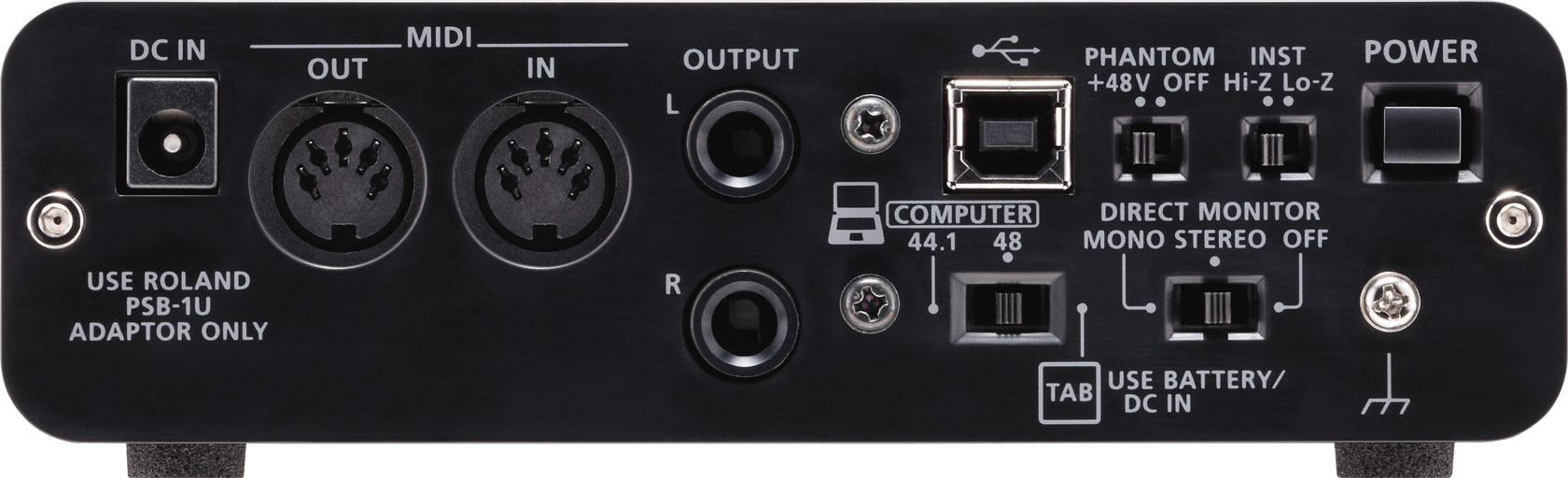
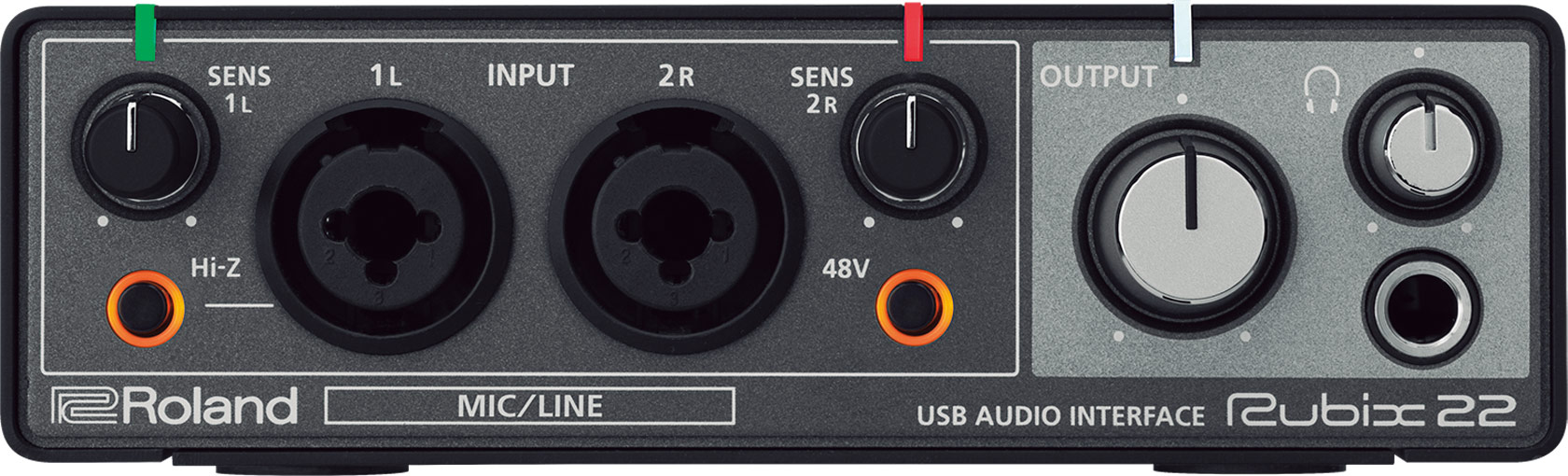
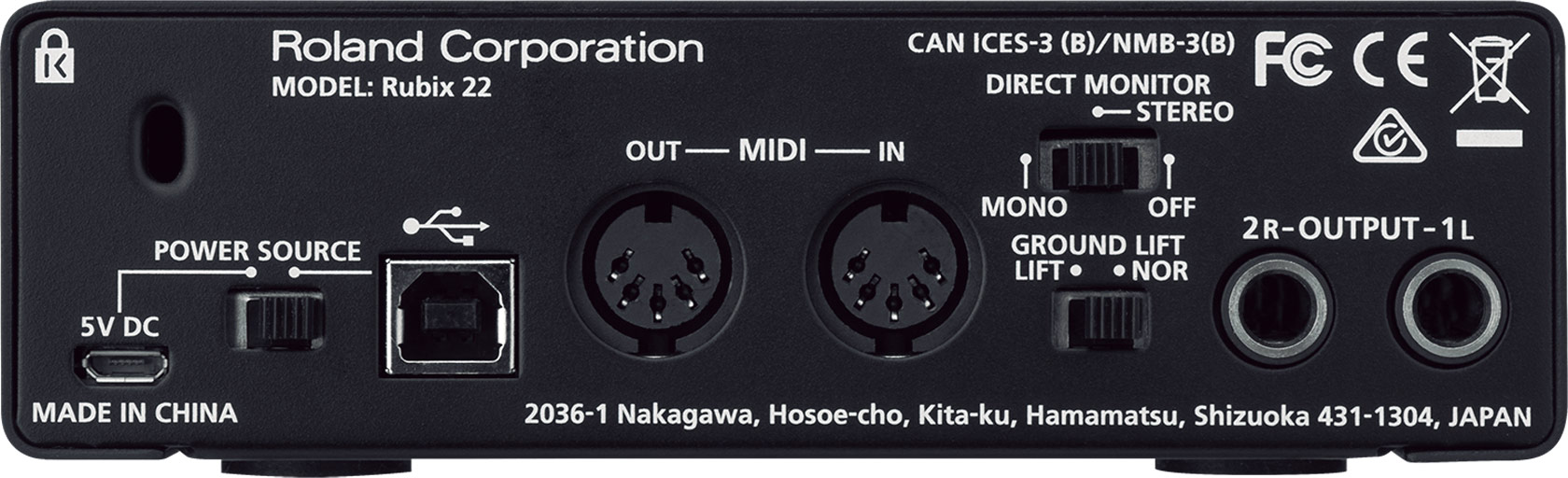
Yeah, advice, don't do akai eie. Find a better interface.

Find an interface that fits your budget, maybe MIDI THRU where you can chain devices.

$179 on Amazon
Image
Image

$149 on Amazon
Image
Image
By Lyricalgenius81 Fri Jan 05, 2018 10:55 pm
ok thanks Lampdog.....after some re thinking I have worked out that the newer midi keyboards are ofcourse usb and therefore I'm gathering that the keyboard can just be plugged into a usb on the computer do you know if this is possible? would mpc 2.0 pick up the usb midi keyboard? thanks
User avatar
By richie Sat Jan 06, 2018 12:57 am
Lyricalgenius81 wrote:I made a mistake the old emu card that I have is not pcie but old pci so its no good for my new setup as the motherboard only has pcie.


Get a PCIE to PCI bridge adapter, I believe one with a Texas Instruments bridge such as the Startech one will be fine.

A lot of people use them with their old PCI cards on newer systems. You're just limited to whatever driver support there may be for your card. It's cheap enough to give it a shot.
User avatar
By Lampdog Sat Jan 06, 2018 2:23 am
Lyricalgenius81 wrote:ok thanks Lampdog.....after some re thinking I have worked out that the newer midi keyboards are ofcourse usb and therefore I'm gathering that the keyboard can just be plugged into a usb on the computer do you know if this is possible? would mpc 2.0 pick up the usb midi keyboard? thanks

There should be options in your software to allow for midi devices.

Also consider this as an option.

https://www.google.com/search?q=usb+to+ ... 8&oe=utf-8
User avatar
By Danoc Sat Jan 06, 2018 6:52 am
@LYRICALGENIUS

I have this one but mines is called the UNO. Its also called the "Y" Midi to USB cable.

I put the midi in and out end from my keyboard and the USB into my computer and l'm gone!

Image
By Lyricalgenius81 Sat Jan 06, 2018 10:08 am
richie wrote:
Lyricalgenius81 wrote:I made a mistake the old emu card that I have is not pcie but old pci so its no good for my new setup as the motherboard only has pcie.


Get a PCIE to PCI bridge adapter, I believe one with a Texas Instruments bridge such as the Startech one will be fine.

A lot of people use them with their old PCI cards on newer systems. You're just limited to whatever driver support there may be for your card. It's cheap enough to give it a shot.


Thanks this is a good shout I’ll check it out!
User avatar
By richie Sat Jan 06, 2018 11:09 pm
If you can afford to, maybe you should exchange it for the RME UFX series interface. At least there you would have the 8 analog in and 8 analog out, ADAT, etc.

But if you don't care about that then I guess the UAD is fine for your needs?