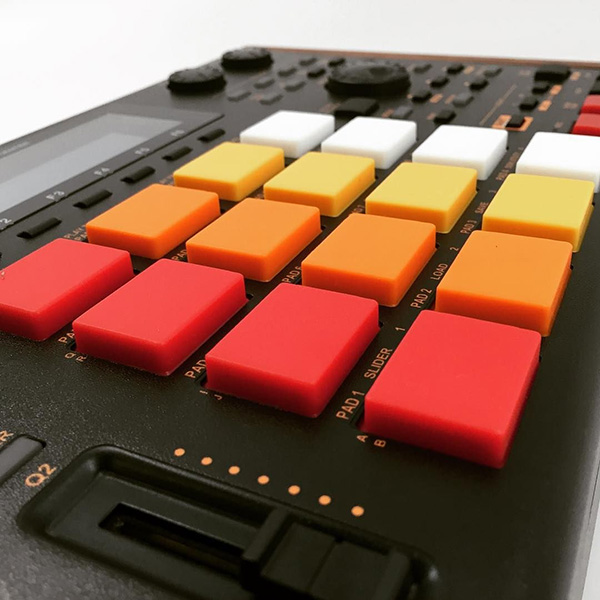
A keygroup program is 'hard coded', each pad is a specific MIDI note, i.e. pad A1 is always note C-2. You can use the TRANSPOSE option in PROGRAM EDIT > MASTER to transpose the entire program - for example, a TRANSPOSE of 32 will effectively make the note currently assigned to pad C1 (a G#0) play at pad A01. However be aware that TRANSPOSE does not change the output MIDI note for a pad, so when you play pad A01 it might sound like a G#0 but the recorded MIDI note in your seqeuncer will still be a C-2 (you can see this in LIST EDIT).
If you ever wanted to use the same MIDI data to trigger other MIDI sound sources you'd have to remember to 'transpose' the MIDI data back up 32 semitones (or transpose the sound source). This might not matter if ultimately you just want to play this program from bank A - although it's a bit arbitrary, the pad banks in a keygroup program are really the MPCs version of 'OCTAVE' buttons that you'd find on a MIDI keyboard, this time moving you up and down 16 notes at a time instead of 12. I prefer to just select bank C.
BTW, if you don't want to use those low samples, remember to save memory by manually removing then from those keygroups via PROGRAM EDIT > SAMPLES.