Support and discussion for all of Akai’s modern standalone MPCs including the MPC X / X SE, MPC Live 1, 2 & 3, MPC One / One+, MPC Key 37/61.
By reneefilho Sun Apr 19, 2020 7:01 pm
Hope someone can give me a support here.

As i could find out, it is not possible to define which Track receive which MIDI Channel.

Track 1 - Keys
Track 2 - Bassline

So if there are 2 Keyboards, sending Notes to the MPC One in different MIDI Channels,
is not possible to Play or Record different instruments in One Shot.

So if there is some musicians, playing together, MPC can' t provide more than one sound
at the same time!?

Thank you!!!
By Caustic Yoda Mon Apr 20, 2020 4:44 am
main problem with current gen mpcs, they dont seem to care for fixing it, seems too hard for them, same with disk streaming and some other sampler basics
By reneefilho Mon Apr 20, 2020 4:35 pm
@NearTao it still doesn't work.

If i split my Keyboard for example C0 - C1, C#1 - C2, C#2 - C3, ...

Track 1 - C0 - C1
Track 2 - C#1 - C2
Track 3 - C#2 - C3

If will play only the selected Track at MPC. Only that Track is receiving MIDI Message.

All other tracks, MIDI Information are ignored.

NearTao wrote:Setup a split keyboard my man...
User avatar
By NearTao Mon Apr 20, 2020 5:28 pm
I mean...

Setup a program such as
C -2 - C0 - Drum Kit
C#0 - C2 - Bass sounds
C#2 - C4 - Lead
...

You can do all this in a single program, and then control a bunch of different sounds.
By reneefilho Mon Apr 20, 2020 6:23 pm
Got it,
Using everything in one track (just Monochromatic Samples)

But if you need to use Clips, Plugins, other kind of Tracks, you get stucked in the same situation.

And if i want to send some MIDI Notes in Chords to the Keys Track, same situation.

That's one thing that you expect from studio gear, independence, like old MPC's.

The MPC One has too many features, like many layers of effects, pad, track, program, master, ... ... ...
but you can not Assign different MIDI Channel for the Tracks?

This is a very Basic thing.


NearTao wrote:I mean...

Setup a program such as
C -2 - C0 - Drum Kit
C#0 - C2 - Bass sounds
C#2 - C4 - Lead
...

You can do all this in a single program, and then control a bunch of different sounds.
User avatar
By Lampdog Mon Apr 20, 2020 6:28 pm
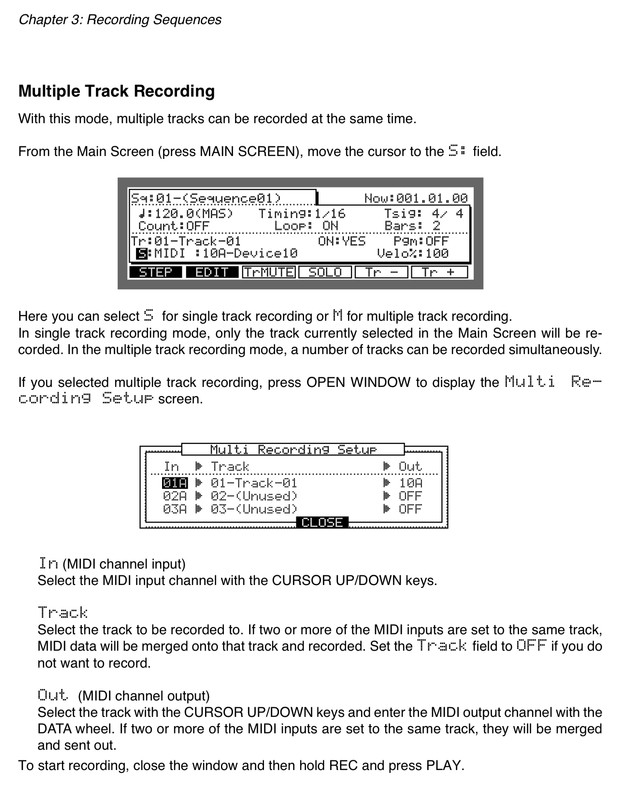
I think this is what op wants. Ability to record multiple midi tracks simultaneously. 2klx could do it, why not new mpc’s?

Image
By CharlesRandolph Mon Apr 20, 2020 7:09 pm
Lampdog wrote:I think this is what op wants. Ability to record multiple midi tracks simultaneously. 2klx could do it, why not new mpc’s?


Different team with different priorities, creating for a different user.
By Elektrobolt Thu Apr 23, 2020 9:35 pm
reneefilho wrote:Hope someone can give me a support here.

As i could find out, it is not possible to define which Track receive which MIDI Channel.

Track 1 - Keys
Track 2 - Bassline

So if there are 2 Keyboards, sending Notes to the MPC One in different MIDI Channels,
is not possible to Play or Record different instruments in One Shot.

So if there is some musicians, playing together, MPC can' t provide more than one sound
at the same time!?

Thank you!!!

You are correct.

Or if you, like me, can play two different parts on different keyboards, you cannot even record both onto different tracks at the same time. I absolutely HAVE to record each on separate takes.

The epic situation is basically such, that we have a hardware DAW, with multiple MIDI Outputs and multiple MIDI Inputs, but the sequencer part of the DAW is so poor that the number one thread on the Akai community forum, is basically about something that Akai refers to as MIDI "multi-mode". This is supposed to arrive in a future version for the MPC (X, in my case). The actual truth though, is that the MIDI pipeline appears to be a straight imitation from earlier MPC's and so now Akai is more or less rewriting it.
By reneefilho Fri Apr 24, 2020 12:05 pm
Thinking about to change the MPC One to MPC 1000.

MPC One
MIDI Latency too big
MIDI Multichannel doesn't work
Sound Envelope too slow
Sequencer - when you get higher swing, it lose a lot the quality of the groove

It seems a Computer in a Box. But Live Ableton can be faster and more precise, and practical with more tools.
So i can't see advantage on this "gear".

Don't understand Akai with this new Gears Generation. It is killing the music feeling.