Support and discussion for all of Akai’s modern standalone MPCs including the MPC X / X SE, MPC Live 1, 2 & 3, MPC One / One+, MPC Key 37/61.
User avatar
By Monotremata Mon Apr 24, 2023 10:33 pm
Emagic AMT8. One of my oldest pieces of gear, bought it in 2001/2002 or so, and its still working, both on my Mac and on my MPC.. You can probably pick them up for pretty cheap nowadays too, just make sure you get the USB version and not the serial only model..
By B-Wise Tue Apr 25, 2023 9:23 am
I got multiple MOTU MTP AV USB 8x8 MIDI-patchbays - real cheap nowadays, plus you link 2 if you're gangster like that. I like this model over the 128 Express because you don't need a computer to change the settings.

For USB MIDI got: https://www.amazon.com/Sabrent-10-Port-Individual-Switches-HB-BU10/dp/B0797NZFYP

Both are connected to the Force & I haven't had any problems. MIDI-patchbays & Audio-patchbays is what really helped me take my studio/music to another level. Having everything connected is a true game changer! I hope you find what works best for you.
By DrSbaitso Sun Apr 30, 2023 3:28 pm
NearTao wrote:The MOTU Midi devices require special drivers. They are, sadly, not class compliant. The only way you can use it with the MPC would be to use your MPC's Midi In/Out to the MOTU Midi Express 128.

I know this, because I used to use several different MOTU Midi interfaces. I have since sold off all my MOTU Midi gear, and went with the iConnectivity mioXL, which works perfectly with the MPC and Force.

Yeah I learned that the hard way, the MOTU is on its way back and now I have a Midiplus 8x8 which works perfectly!
By SuperKonquer Sun Apr 30, 2023 10:38 pm
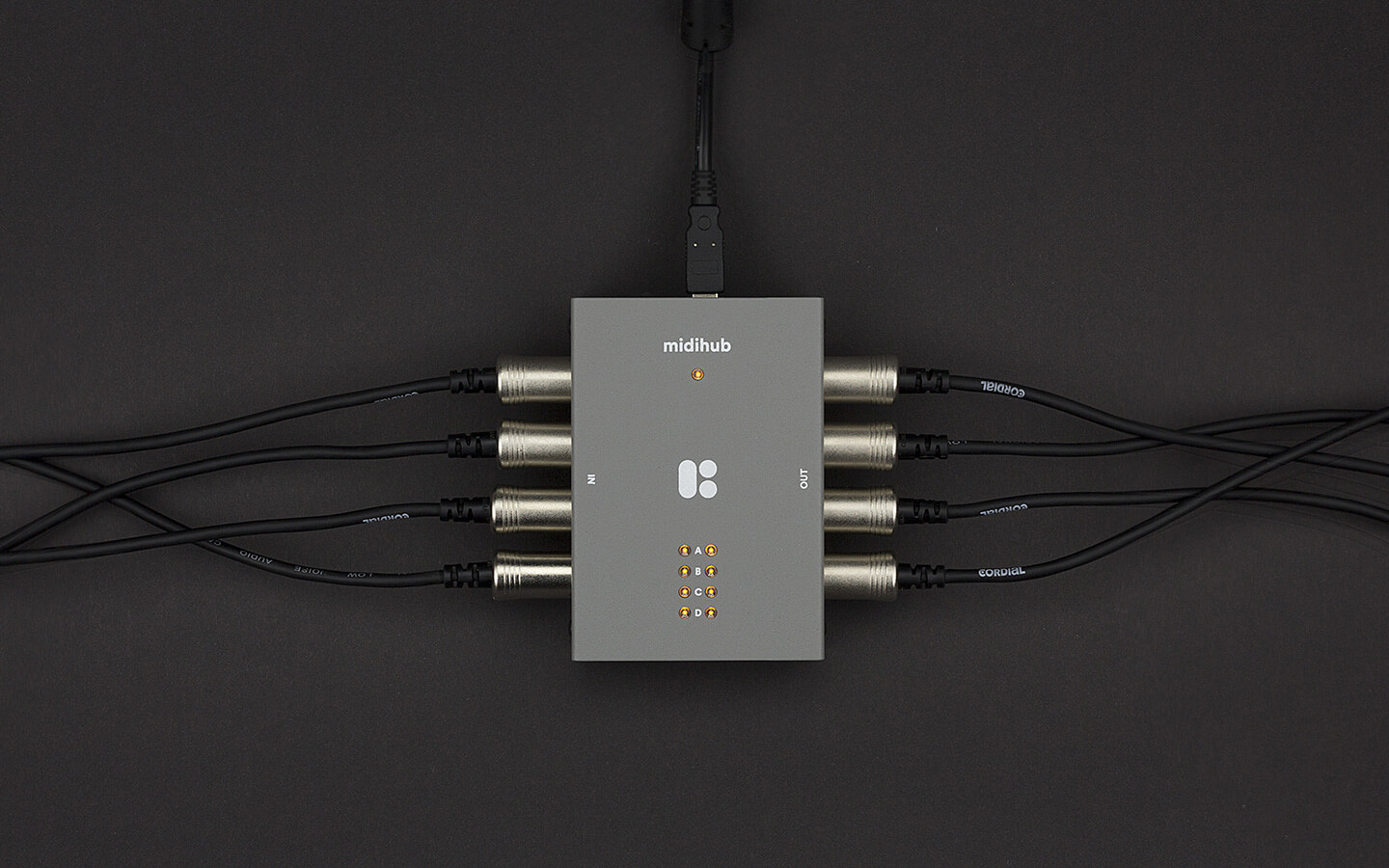
This thing is a midi beast. You can do simple routing/expansion or/and you can do some very very complex midi manipulation. Very easy to program with its graphical user interface, although it requires a pc to program but once it is programmed it is just plug and play and powered from the midi port. It gives you 4 in/out DINs and 4 bi-directional USB midi ports that you'll see and can assign on the MPC. You can route the USB ports to the DIN ports or duplicate one port across all DINs if you choose. You can put LFOs and equalizers and Arps or filters or harmonizers or rescalers on the ports so you can manipulate the outgoing midi anyway you like.

https://blokas.io/midihub/Image

