Support and discussion for all of Akai’s modern standalone MPCs including the MPC X / X SE, MPC Live 1, 2 & 3, MPC One / One+, MPC Key 37/61.
By boomspot Sun Aug 25, 2024 3:35 am
Hey, recently picked up an X SE and am attempting to pair my Logitech MX Keys qwerty keyboard via Bluetooth. The keyboard shows up fine when I put it into pairing mode, but MPC fails to pair with it after clicking pair on the MPC. I have two MX keyboards and both fail to pair. Is this a known issue? Is there a list of compatible keyboards?
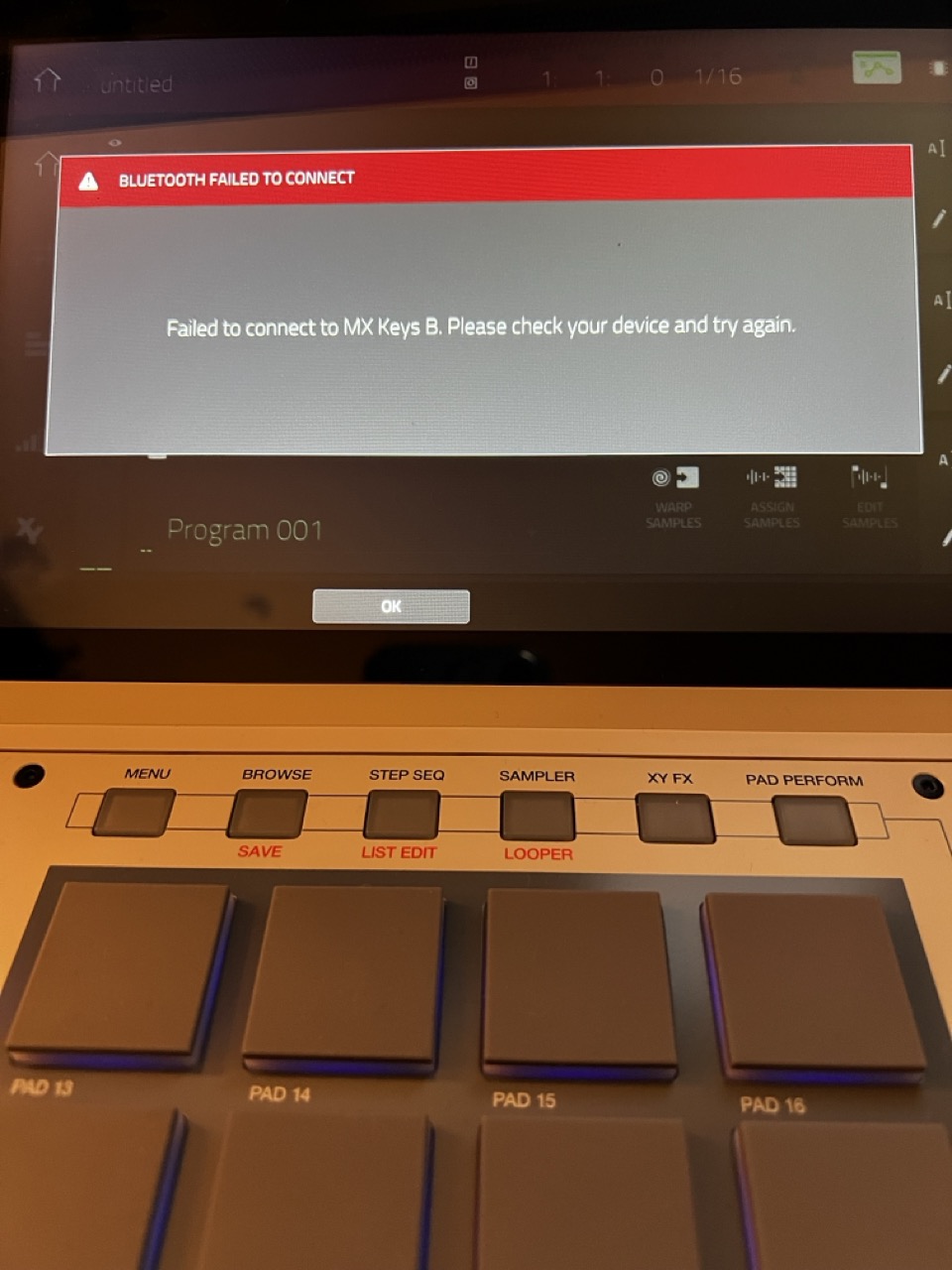
Image

Thanks,

B
User avatar
By Lampdog Sun Aug 25, 2024 3:07 pm
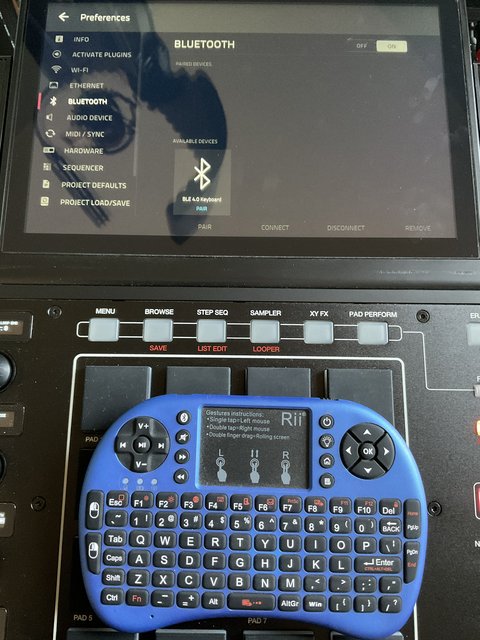
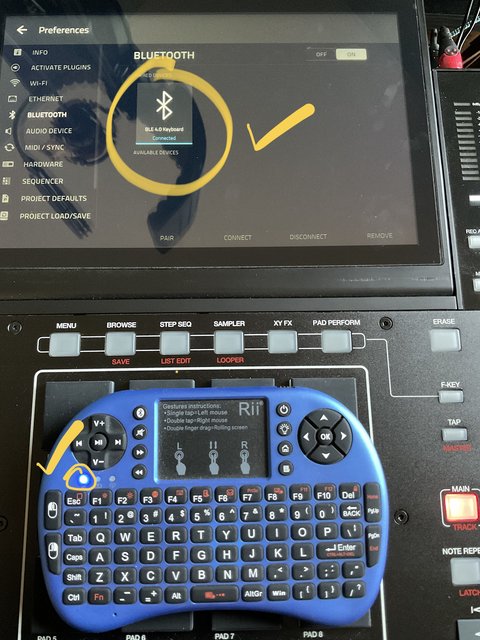
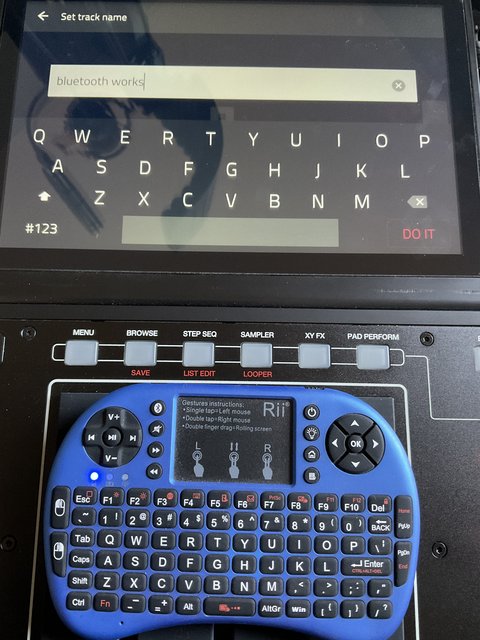
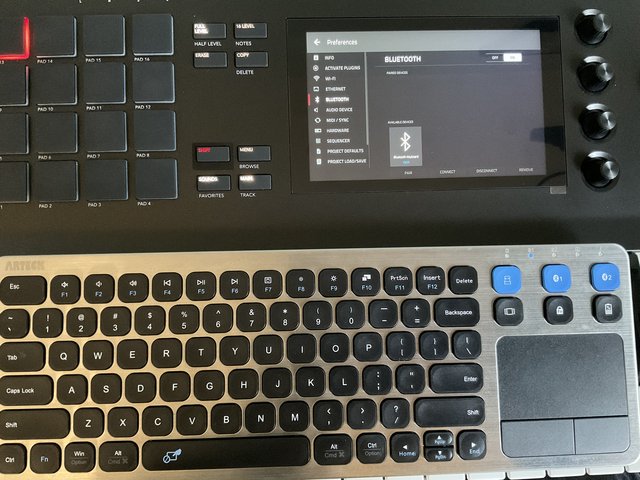
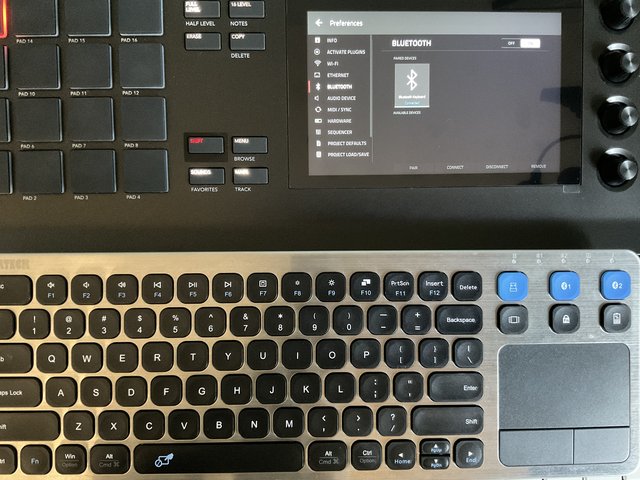
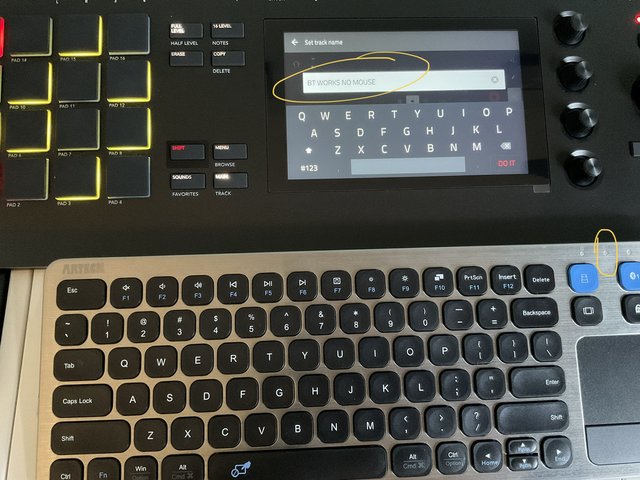
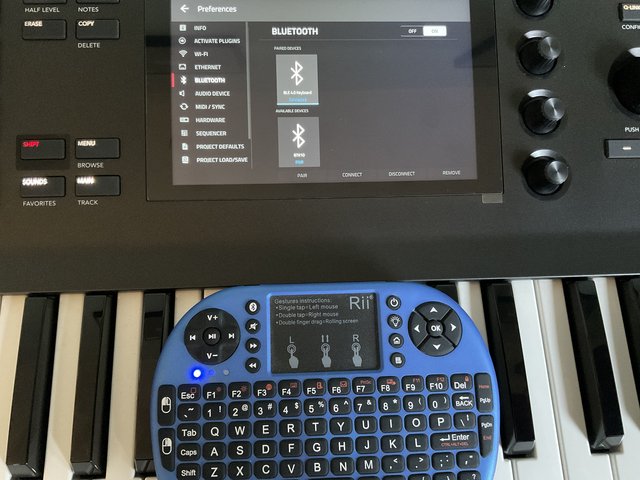
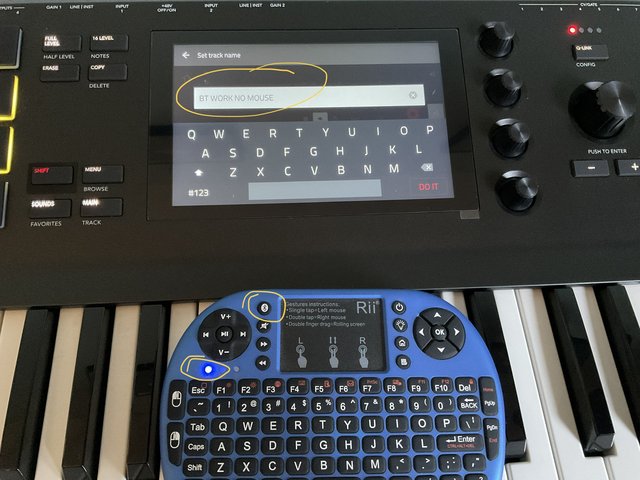
Both devices work BT flawlessly, mouse/trackpad features aren’t supported..

Image
Image
Image

Image
Image
Image
Image
Image
By boomspot Sun Aug 25, 2024 4:58 pm
Thanks for the reply, Lampdog. I wonder if the difference is bluetooth le?

Update: I was able to get my MX Keys working with the logitech USB receiver/dongle plugged into the MPC, no bluetooth required. I just needed to pair the dongle with a computer first. Now I can just hit one of the 3 computer selector buttons on the MX keys to use it with the X.

B
By eLuSiVeMiTe Sun Aug 25, 2024 5:38 pm
Found BT keyboards to be very hit and miss. Some connect fine and others are just not seen.

One of mine took about 5 minutes to find. Connected fine. Next time I booted the x it wouldn't find it again.

Now I have a little custom Bluetooth keyboard with only a few buttons solely for shift and delete keys
User avatar
By Lampdog Sun Aug 25, 2024 6:01 pm
chilom wrote:love this small keyboard, is this ?

I’ve used them with the lil included usb dongle on mpc 4k also.

Image
Image
Image