Support and discussion for all of Akai’s modern standalone MPCs including the MPC X / X SE, MPC Live 1, 2 & 3, MPC One / One+, MPC Key 37/61.
User avatar
By Lampdog Tue Apr 29, 2025 8:09 pm
Multiband Filterbank is awesome!


Friend and I were talking about being able to view frequencies from mpc and other gear.
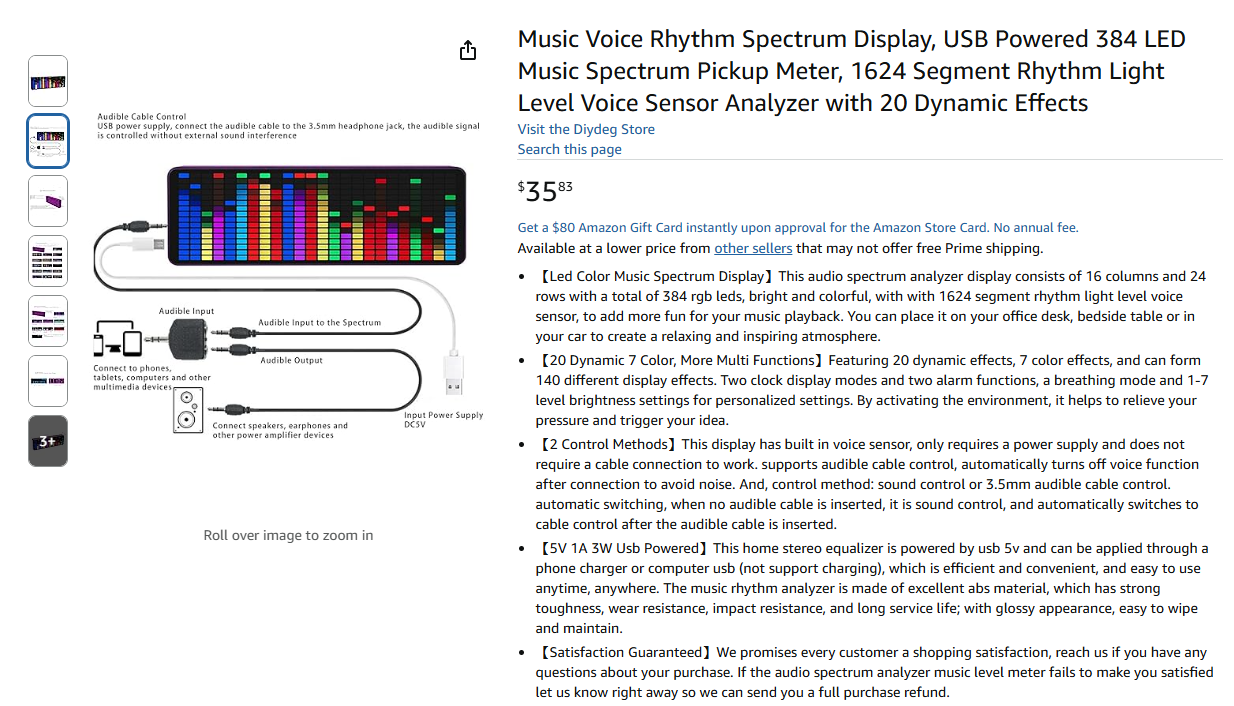
I went on Amazon, bought this cheapo device, situated it next to my mpc, connected it to an output on my mixer and now I can visually see frequencies, real time, whatever my mixer is outputting.


Image
User avatar
By Lampdog Tue Apr 29, 2025 9:20 pm
Lo Spesso wrote:Hi... I saw Conan's video and it clearly talks about the pre and post ... but how does this one you bought work? How is it connected? Can you put the Amazon link?


All of this is answered in the description above.

Look at the name, type that name into amazon and it comes up.
By B-Wise Tue Apr 29, 2025 9:35 pm
Lampdog wrote:Multiband Filterbank is awesome!


Friend and I were talking about being able to view frequencies from mpc and other gear.
I went on Amazon, bought this cheapo device, situated it next to my mpc, connected it to an output on my mixer and now I can visually see frequencies, real time, whatever my mixer is outputting.


Image

This is a great idea. Thanks, Lamp.
User avatar
By Ultros Wed Apr 30, 2025 3:41 am
If you dont want to buy anything you can just use a computer and a soundcard and a spectrum analyzer plugin or eq plugin in a vst host like carla. The key to this is using a good capture interface though with the best freq response you can find because the analog route will be the point of signal degradation. It will not give you a 100% accurate result like if we were to place the visualizer directly in the digital route on the output stage of the software.
User avatar
By Lampdog Wed Apr 30, 2025 3:55 am
I also use this free Windows Widget for pc.

When I’m facing my computer, widget is active on my desktop, no problem.

When I’m looking toward the other side of the room, the small device I mentioned above is there.

https://win10gadgets.com/spectrum-analyzer/

These 2 methods work for me. You all may or may not like it, idk
By dustyslices Wed Apr 30, 2025 8:34 am
yeah, I told Conan yesterday that there is some funky harmonics goin on and it looks like AudioProcessorEditor takes completely different data than processBlock or something like that (hard to say without any snippet of code). This makes the audio to sound about right (without any aliasing and stuff) but Plotter (visualiser) is feed with broken nyquist which contain a bunch of harmonics on top of fundamental frequency (?) IDK...
Anyway it looks like this plotter thingy is unfinished as there are several options that do not work at all (history, peak hold etc...)

By SocoNaTromba Wed Apr 30, 2025 7:06 pm
Just my 2 cents:

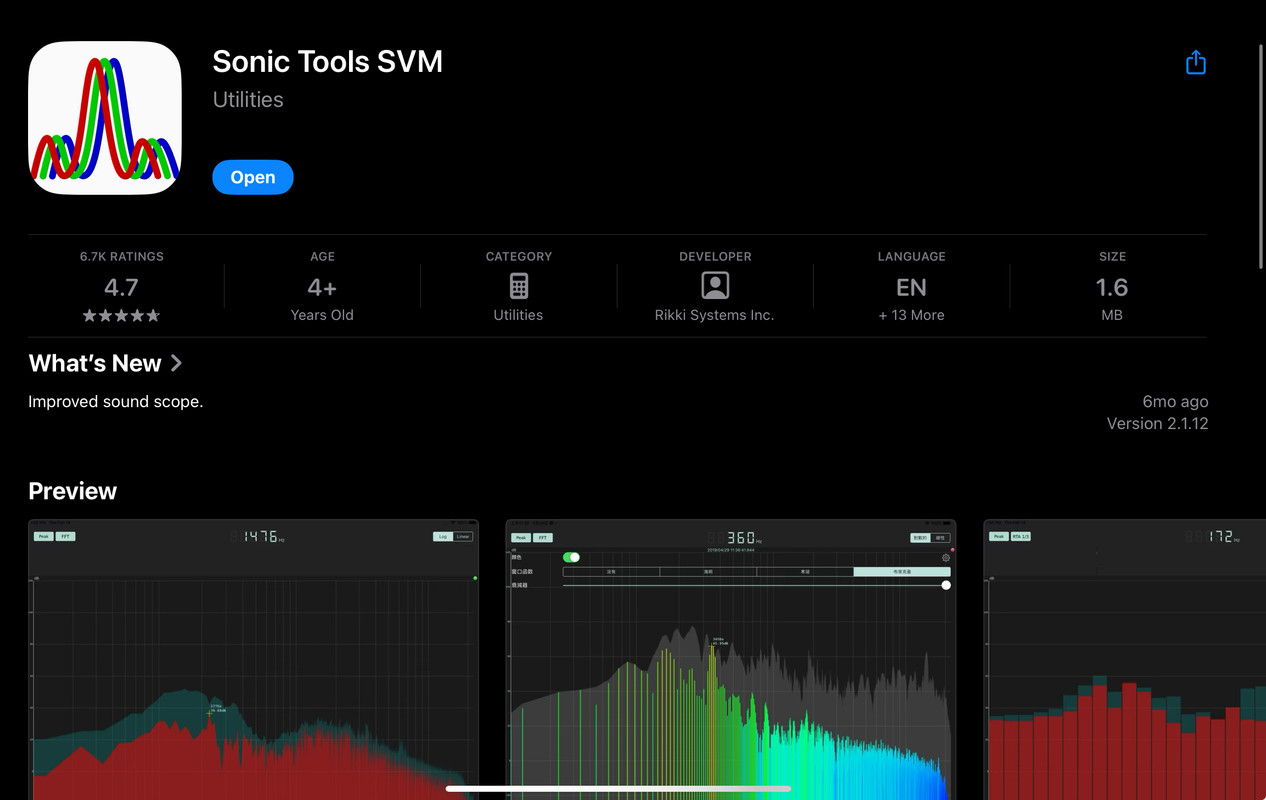
What is working best for me is to have my android device with an app like this one:

https://play.google.com/store/apps/details?id=org.intoorbit.spectrum

There are plenty of spectrum analyzer apps.

I use my phone with a cheap usb audio interface with a line in input.
booting my phone with the usb device already connected to it, it gets set as the main audio device.

Then I just connect an audio cable from the mpc output to that usb interface input.

It works really well, with much better precision, and it still allows me to have my phone next to my Live II as a dedicated spectrum analyzer.

Cheers!

EDIT: It even may work for you just using the phone's mic, give it a try!
By B-Wise Wed Apr 30, 2025 7:47 pm
SocoNaTromba wrote:Just my 2 cents:

What is working best for me is to have my android device with an app like this one:

https://play.google.com/store/apps/details?id=org.intoorbit.spectrum

There are plenty of spectrum analyzer apps.

I use my phone with a cheap usb audio interface with a line in input.
booting my phone with the usb device already connected to it, it gets set as the main audio device.

Then I just connect an audio cable from the mpc output to that usb interface input.

It works really well, with much better precision, and it still allows me to have my phone next to my Live II as a dedicated spectrum analyzer.

Cheers!

EDIT: It even may work for you just using the phone's mic, give it a try!

Thanks! I'll check it out.
User avatar
By Ultros Thu May 01, 2025 4:06 pm
You cant trust a "cheap audio interface" to be accurate with frequency. That's what makes a good soundcard good and a bad soundcard bad lol. It's akin to using cheap speakers or earphones that drop frequency. End up with a spurious signal on your scope.

You're better off doing your equing in digital on a daw or something. Bounce your stems, load up your fave daw and stick a spectrum analyzer on its output and start tuning the track. Then you can see a 100% accurate representation of signal on a software scope. Directly after the summing process without any distortion or signal loss.
By J.O.BEATS Thu May 01, 2025 4:35 pm
Ultros wrote:You cant trust a "cheap audio interface" to be accurate with frequency. That's what makes a good soundcard good and a bad soundcard bad lol. It's akin to using cheap speakers or earphones that drop frequency. End up with a spurious signal on your scope.

You're better off doing your equing in digital on a daw or something. Bounce your stems, load up your fave daw and stick a spectrum analyzer on its output and start tuning the track. Then you can see a 100% accurate representation of signal on a software scope. Directly after the summing process without any distortion or signal loss.


you dont even need to bounce stems. Just put your mpc in controller mode. Sometimes I think people forget the mpc is also a DAW