Support and discussion for all of Akai’s modern standalone MPCs including the MPC X / X SE, MPC Live 1, 2 & 3, MPC One / One+, MPC Key 37/61.
By Lawrence23 Wed Mar 11, 2026 1:01 am
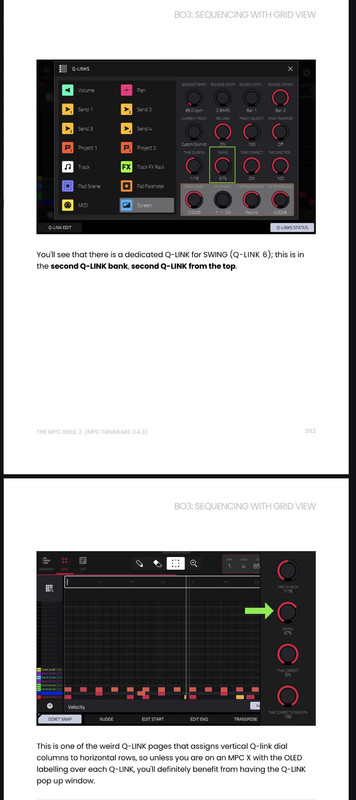
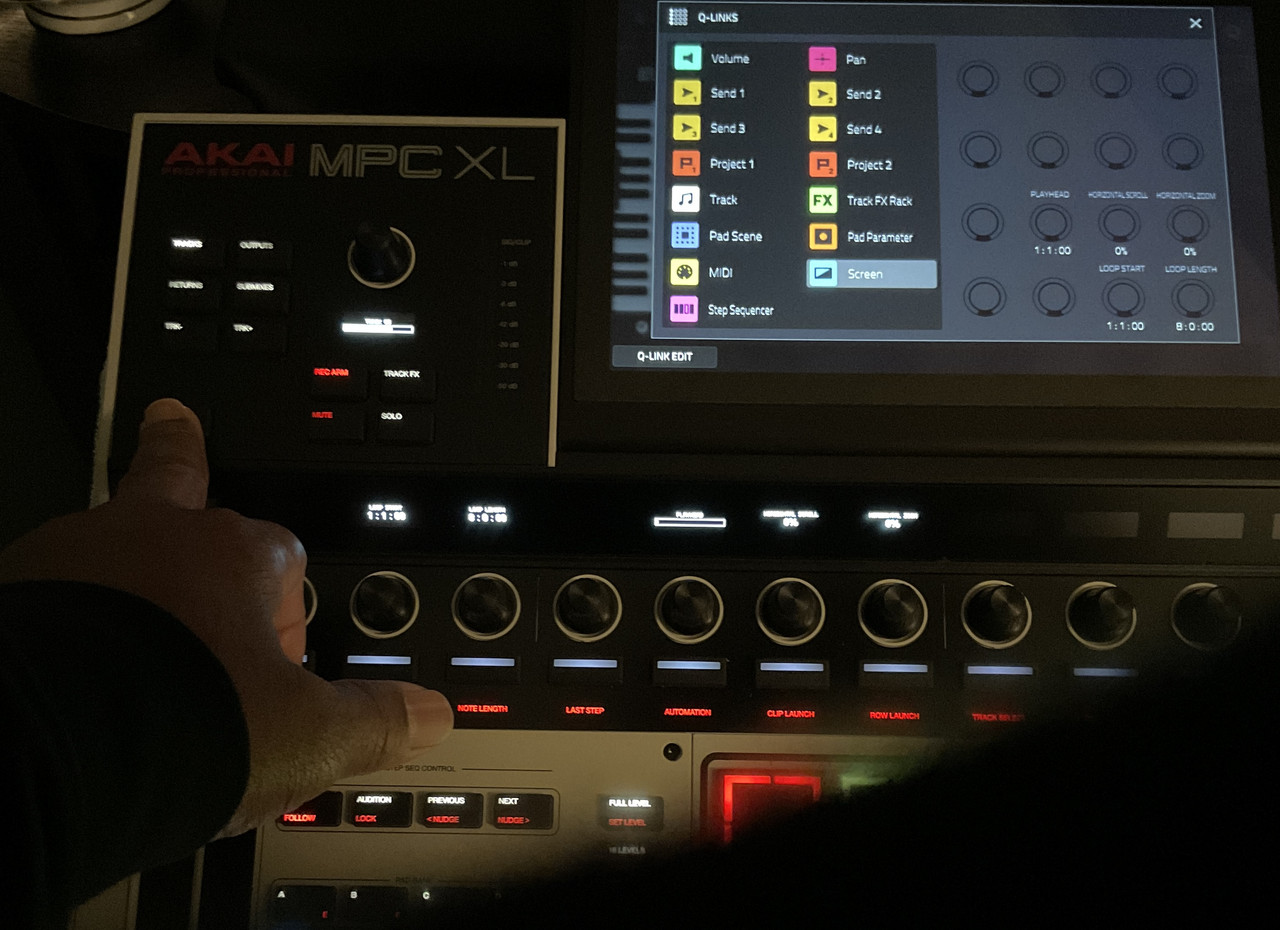
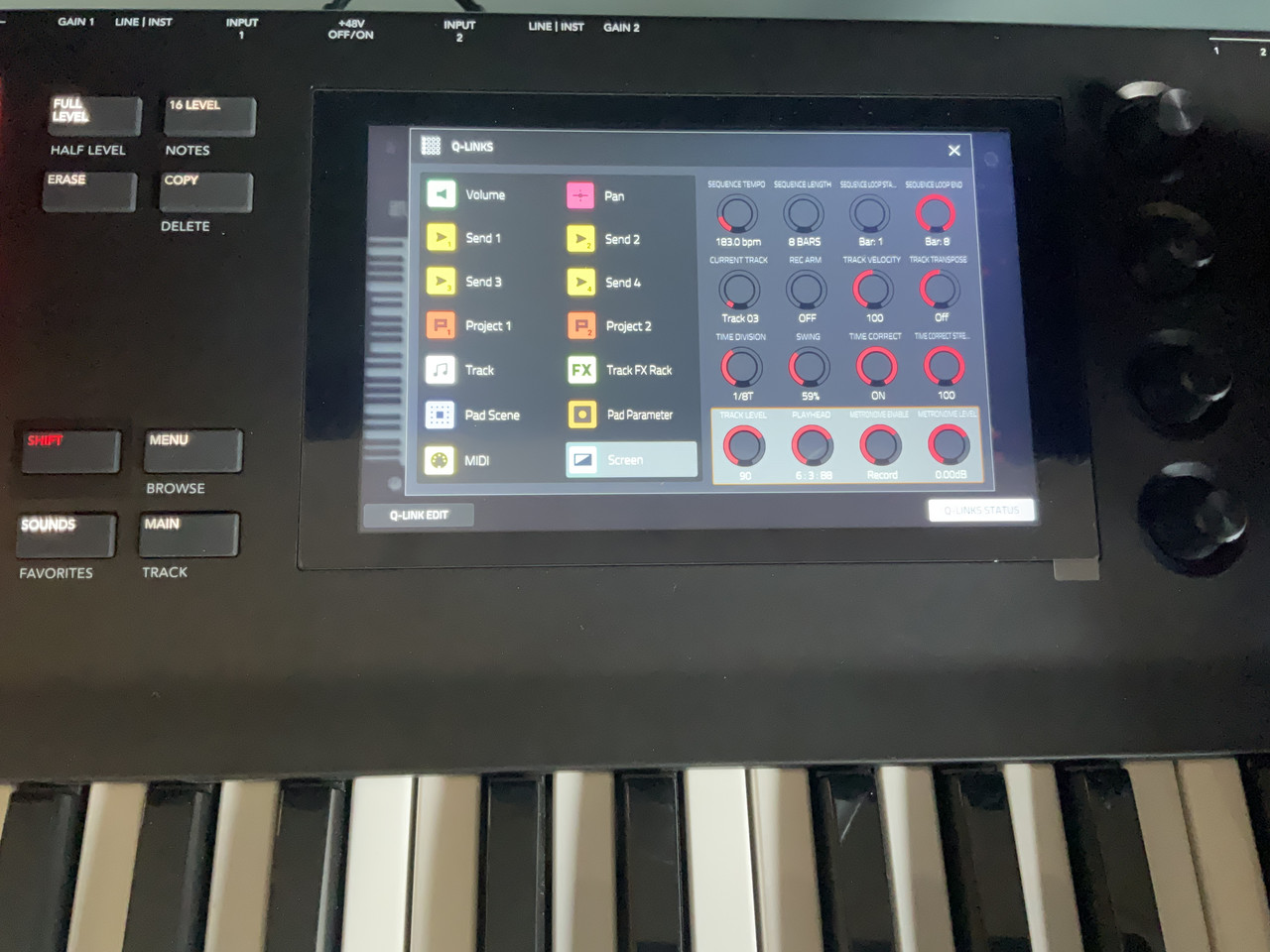
In the MPC Bible 4 v3.7 there is an image of the Q-Links on page 142 for the Grid View “Screen” selection that is different than the one that is on my Live 3 standalone. Mine only has Q-Links for Playhead, Horizontal Scroll, Horizontal Zoom, Loop Start, and Loop Length. And I cannot find anywhere in the user guide anything about adding more parameters to the empty Q-Links. Did Akai leave out the other Q-Link parameters?

Thanks
User avatar
By MPC-Tutor Wed Mar 11, 2026 1:18 pm
It's possible I've not caught an update to the Qlink mapping for that screen, but page 142 has no Qlink screenshots, are you sure that's the page number? Page 142 in the PDF is in chapter A05 and has a screenshot of the browser, no qlinks. Grid view stuff starts in B03, are you referring to the qlink picture on page 312?
User avatar
By MPC-Tutor Fri Mar 13, 2026 1:12 pm
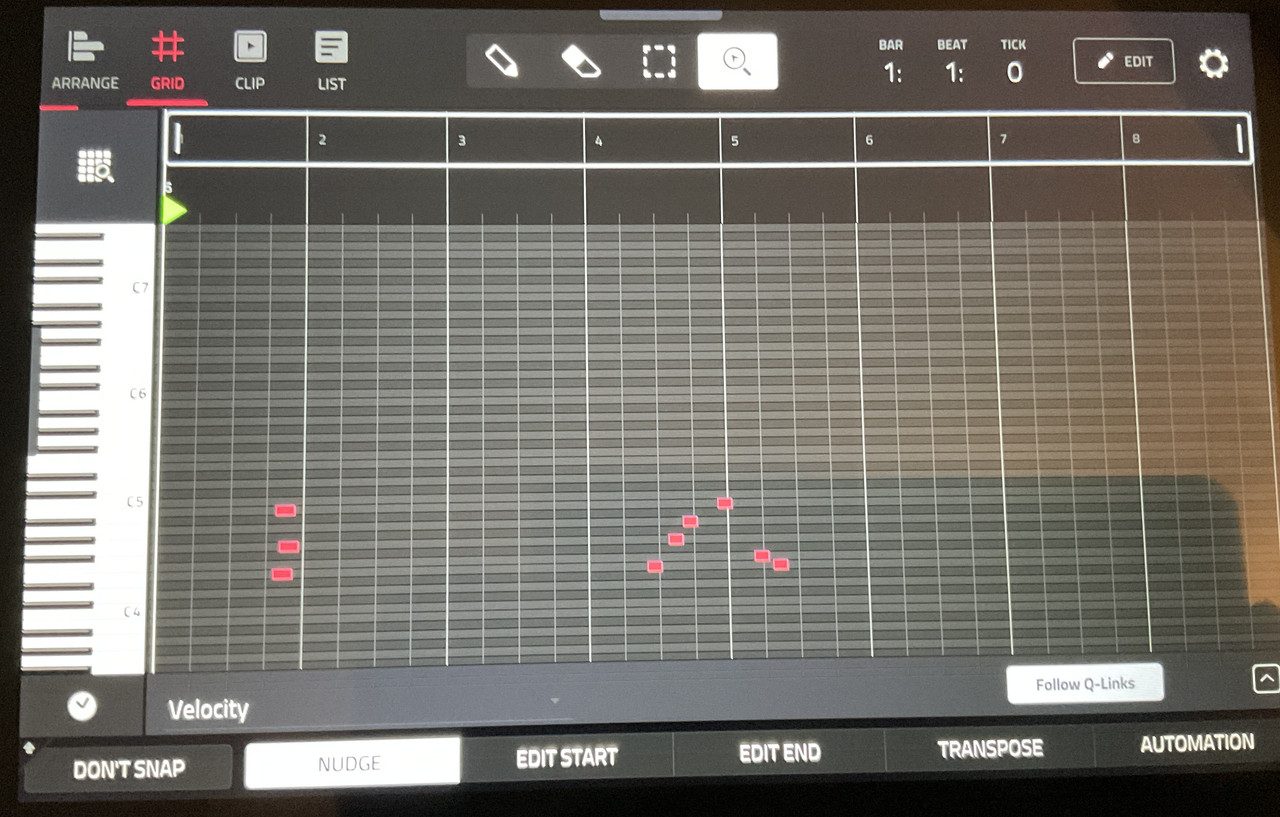
Okay, it seems that MPC Live 3 and XL have different Qlinks in GRID VIEW compared to gen1MPCs - I've just checked in the Live 1 and MPC Key 37 and it's as you see in the book. I assume it's a bug in the gen2 firmware asthere would not be any obvious reason why this should be any different in the gen2 models. I will report this.

BTW workaround is to switch to MAIN (or LIST), which does have the correct Qlink mapping. You can also use ARRANGE but the swing Qlink is in a different position (Q12 instead of Q6).
User avatar
By Lampdog Fri Mar 13, 2026 3:02 pm
I was in a rush this morn going to work, I can check out Key61 v3.6.0/ v3.7.0 when I get back home (if needed).
User avatar
By Lampdog Fri Mar 13, 2026 10:07 pm
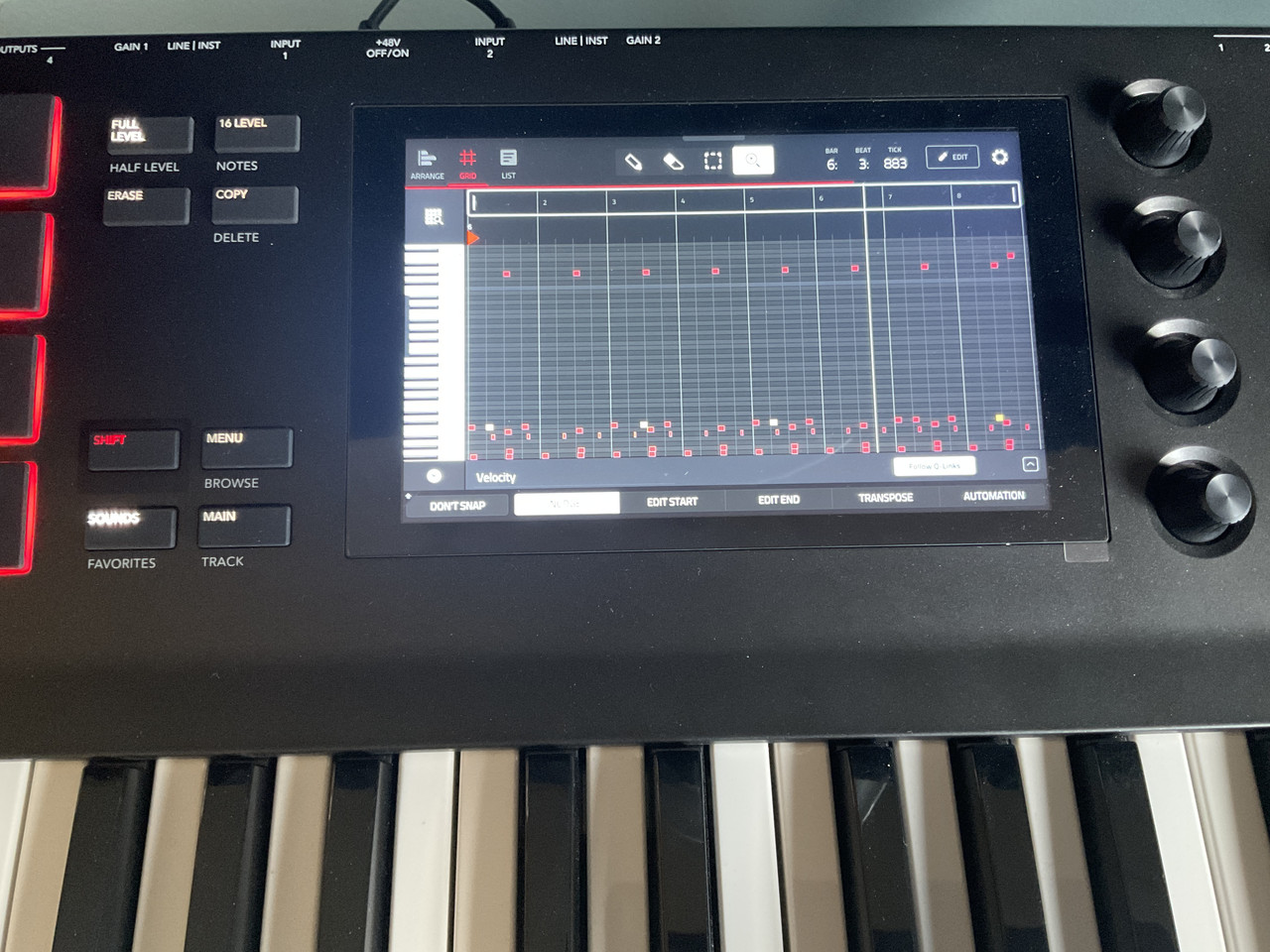
When holding down the q-link button:

Yep, shows up described above on Key61 v3.7.0

Nope, doesn’t show up as described above on XL v3.7.0

This is a huge bug imo.


Image
Image